SETTING MENU - Riding Mode -
DWC
This function disables or sets DWC level for the
selected riding mode.
●
Enter the SETTING MENU.
●
Use the navigation to select "Riding
Mode" option and press ENTER
●
Select the required Riding Mode and press
ENTER
●
Select the "DWC" option and press ENTER
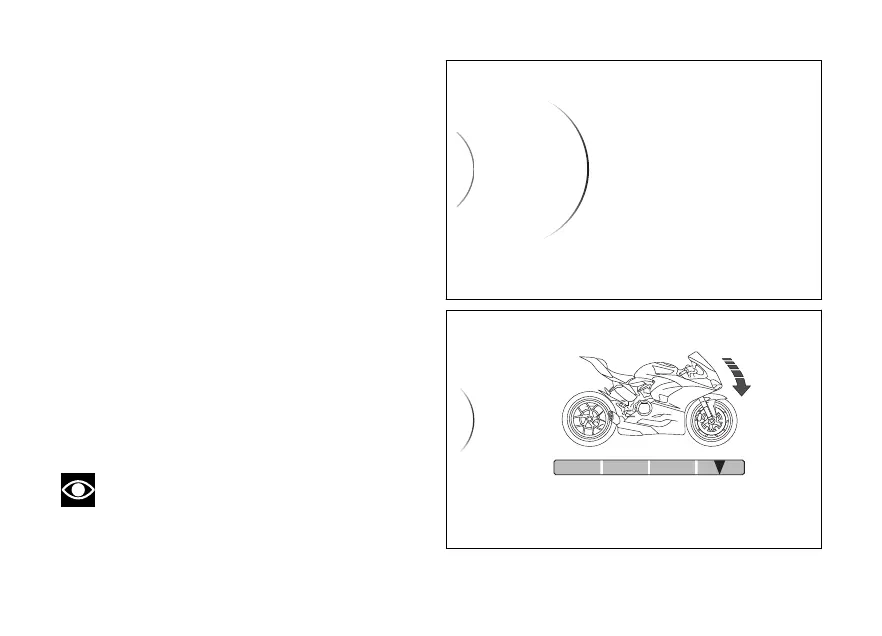
When entering the function, the display shows
available customised (level “1” to “4” and
on the side and current on the right
side.
The bike profile is also displayed with the trigger
zone highlighted, and a containing reference
information.
Use the navigation to select the required
level and press ENTER to confirm.
Note
If the DTC is set to the DWC can not be
changed and is forced to This means that the
DWC menu is not available.
Sport
DWC
ABS
DQS
EBC
DTC
...
...
Fig 80
3
Sport > Ducati Wheelie Control
...
4
3
2
< Back
PERFORMANCE SAFE/STABLE
Fig 81
129














 To Next Page