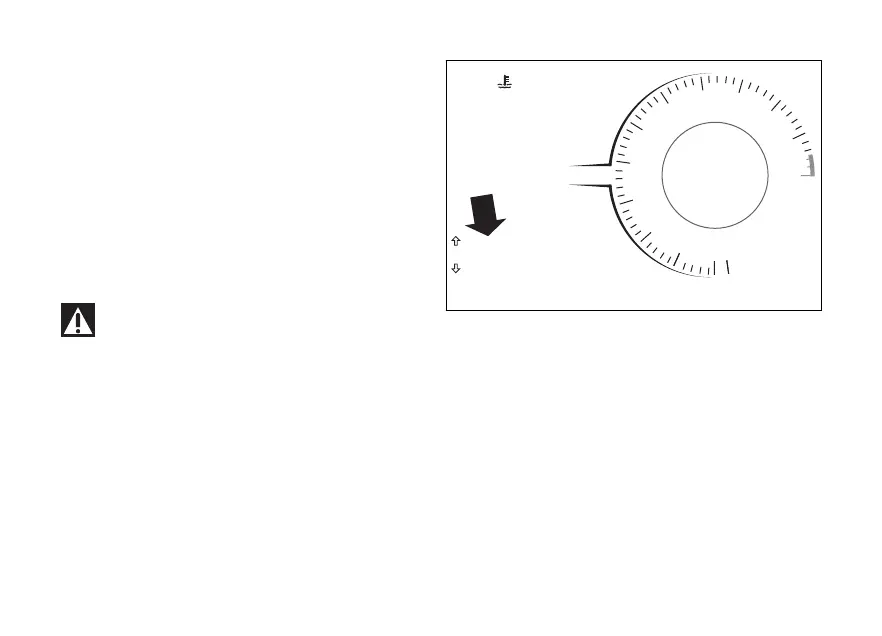
SETTING MENU
This menu allows enabling, disabling and
some motorcycle functions.
For safety reasons, you can enter this Menu only
when the actual vehicle speed is lower than or equal
to 5 km/h (3 mph).
If you are inside the SETTING MENU and the speed
exceeds 5 km/h (3 mph) the instrument panel
automatically displays the main screen.
To enter, use the navigation to select
"SETTING MENU" option and press ENTER
For safety reasons, it is recommended to use
this menu with the motorcycle at a standstill.
DQS
EBC
1
N
0
2
3
4
5
6
7
8
9
11
10
12
12:34
PM
DTC
DDA OFF
3
3
U/D
ABS 1
DWCRPM X 1000
km/h
SETTING MENU
120 °C
SPORT
Gear
1
Fig 72
124














 To Next Page