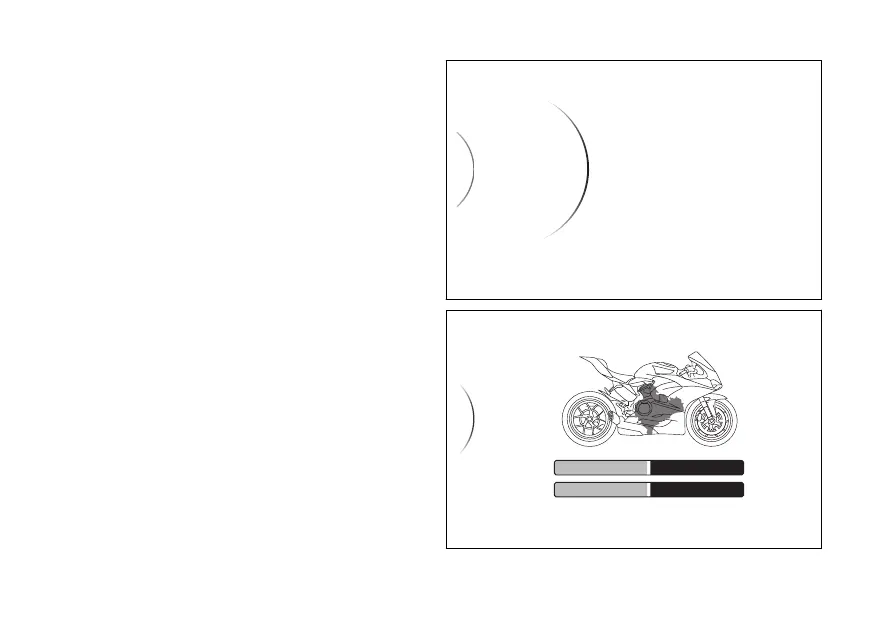
SETTING MENU - Riding Mode -
Engine
This function customises engine power associated
with each riding mode.
●
Enter the SETTING MENU.
●
Use the navigation to select "Riding
Mode" option and press ENTER
●
Select the required Riding Mode and press
ENTER
●
Select the "Engine" option and press ENTER
When entering the function, the display shows
available customised - “High”, “Medium”,
“Low” - on the side and current on the
right side.
The bike profile is also displayed with the trigger
zone highlighted, and a containing reference
information.
Use the navigation to select the required
level and press ENTER to confirm.
Sport
Engine
< Back
ABS
DTC
...
...
Fig 76
Medium
Sport > Engine
Medium
Low
High
< Back
...
< Back
REDUCED POWER
FULL POWER
SMOOTH DYNAMIC
Fig 77
127














 To Next Page