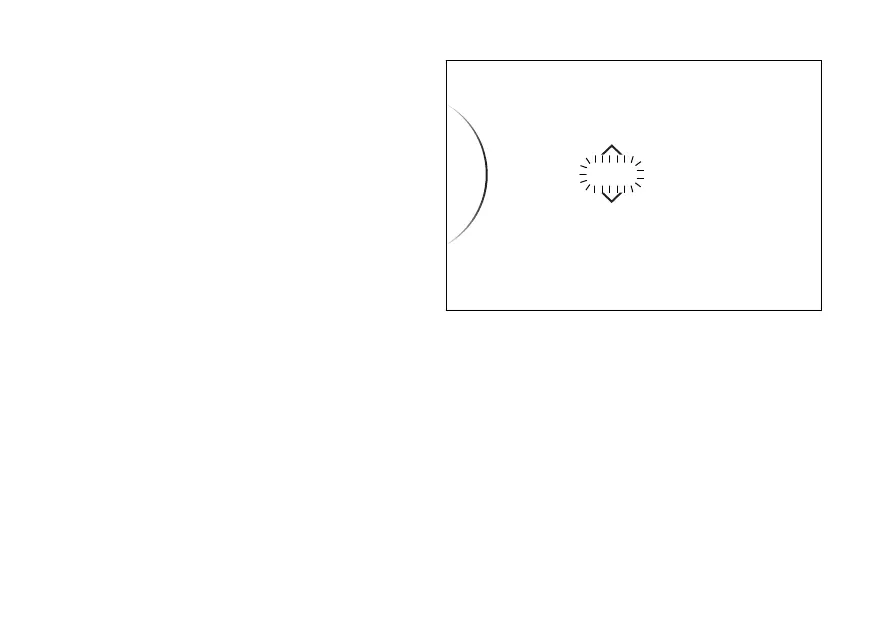
Date (date
●
Enter the SETTING MENU.
●
Use the navigation to select "Date and
Clock" option and press ENTER
●
Select the "Date" option and press ENTER
●
“Set...” is displayed on the right side while the
year flashes at the centre. Set the year using the
UP or DOWN
●
Press ENTER to confirm the year.
●
The month flashes. Set the month using the UP
or DOWN
●
Press ENTER to confirm the month.
●
The day flashes. Set the day using the UP or
DOWN
●
Press ENTER to confirm the day and
save set date.
If date is not correct, the instrument panel will
display "Wrong" for 3 seconds and then it will
automatically go back to the year and
repeat date
2019 / 11 / 28Date
...
Set...
Fig 104
144














 To Next Page