Pairing
This function allows pairing a new Bluetooth device.
The instrument panel manages 4 types of Bluetooth
devices and a maximum of 5 devices paired and/or
connected: 2 1 rider earphone, 1
passenger earphone, 1 navigator.
Note
Before pairing a new device, make sure that its
Bluetooth connection is active and that it can be
detected by other Bluetooth devices. Always refer to
the provisions under the device instructions.
Note
During the pairing procedure user may be
required to confirm it directly on the device (e.g.
Refer to the device messages.
●
Enter the SETTING MENU.
●
Use the navigation to select
"Bluetooth" option and press ENTER
●
Select the "Pairing" option and press ENTER
●
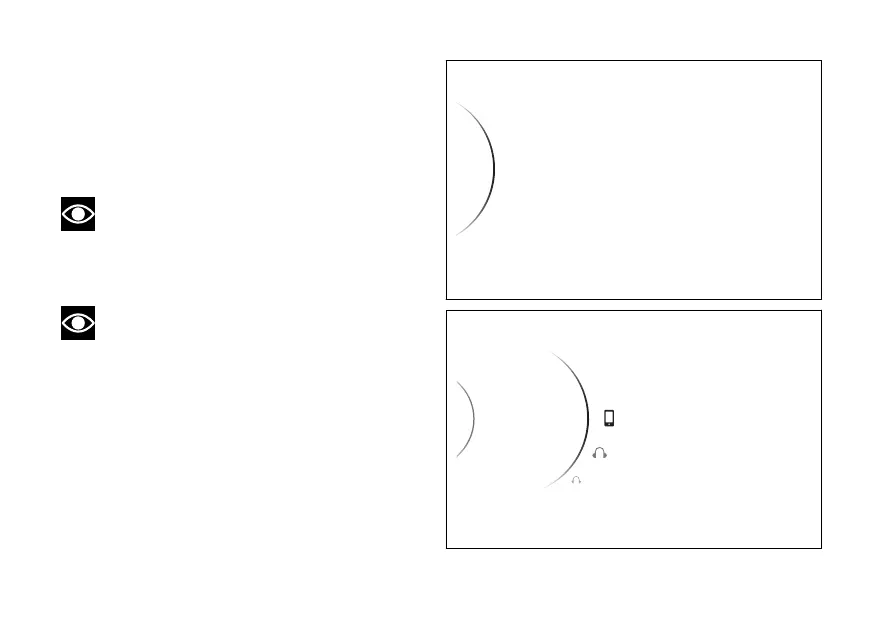
The list of the 4 types of devices that can be
managed by the instrument panel is displayed.
Pairing
Associated Devices
< Back
< Back
...
Fig 123
...
...
Pairing
< Back
2
Passenger
Smartphone
1
Rider
Fig 124
157














 To Next Page