- 40 -
SETPOINT 1
Supply Water Temp
Set point= 44.0 °F [06.7°C]
Dead band= 0.8 °F [0.5°C]
REAL TIME CLOCK
Day > MONDAY
Time > 16:10
Date > 05/12/05
ALARM HISTORY
001-C1 Starter
19:03 05/12/05
TR: 030.2 LWT: 64.3 [17.9]
DP: 191 [13.6]
SP: 076 [5.4]
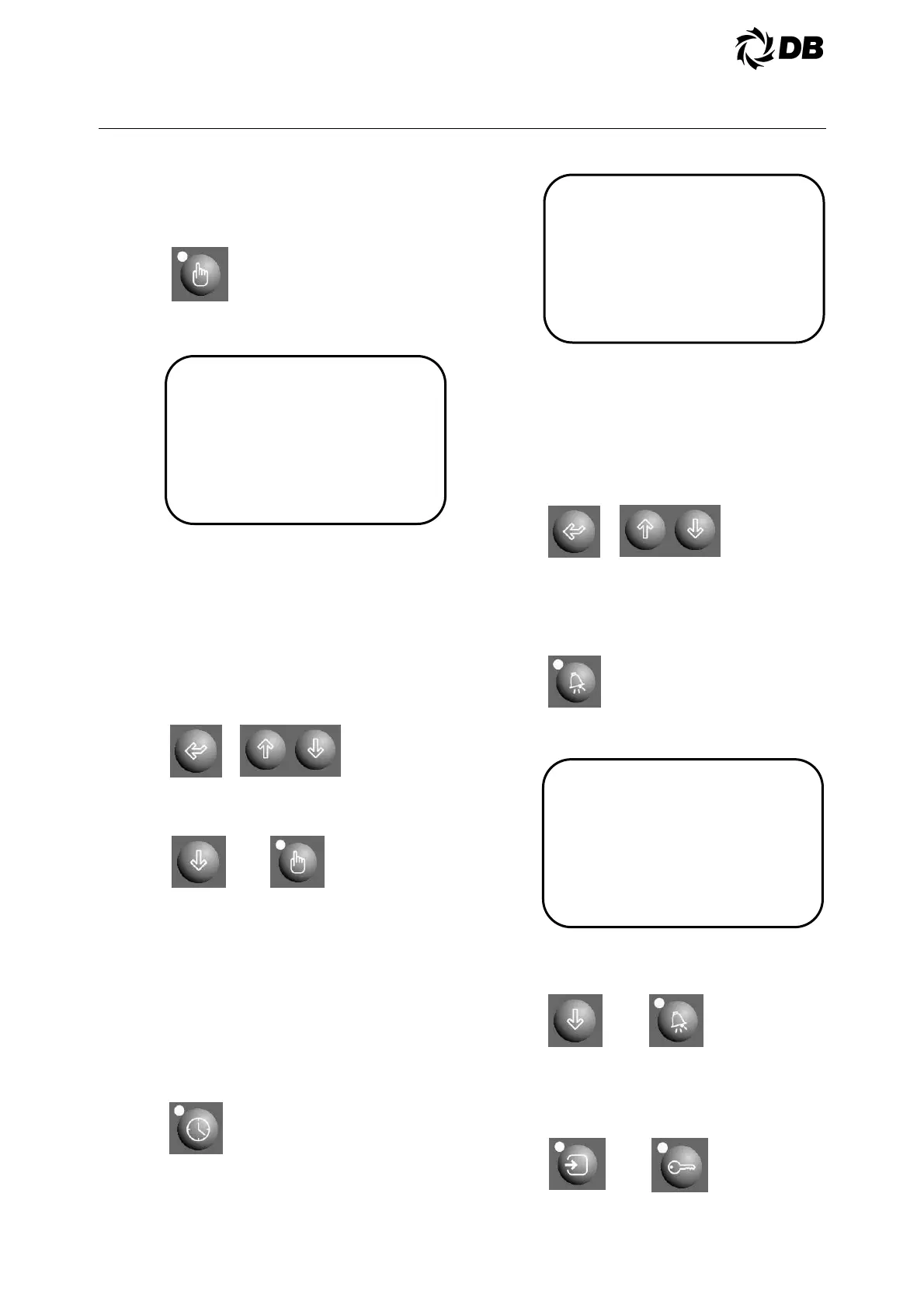
4.0 ELECTRICAL
4.3.2.4 Setpoint key:
To read the setpoint value press
setpoint key
The display is showing the data as
follows:
To alter setpoint data, you must be
authorized. See the authorization
procedure and you must be authorized
at least as user level.
Press enter key to select the setpoint to
alter and use the up-down arrow key to
change the value and press enter key
to confirm.
Press down arrow key or press setpoint
key to go to next screen:
Repeat the same steps to go to other
setpoints screen and perform setpoint
modification.
4.3.2.5 Clock key:
To read the current day, time and date,
unit scheduling and ice-cel mode
scheduling (optional), press the clock
key
The display is showing the data as
follows:
To set the date and time, you must be
authorized. See the authorization
procedure and log in at least as user
level.
Press enter key to select the date or
time to alter and use the up-down arrow
key to change the value and press
enter key to confirm.
4.3.2.6 Alarm history key:
To view the unit alarm history press
alarm history key:
The display is showing the data as
follows:
Press down arrow key or press alarm
key to go to next screen for other alarm
history:
To clear alarm history, press input key
and authorization key together and then
press the alarm key again. Now the
display should be showing “No alarm”



 To Next Page