- 41 -
AUTHORIZATION
Please Enter your
Password
PASSWORD= 0000
Status=View
USER SETPOINT 1
High Pressure Safety
Limits
Hold= 360PSI [23.4BAR]
Unload= 370PSI [24.1BAR]
Cutout= 400PSI [24.8BAR]
Technician Setpoints
Main Menu
Comp FLA Calibration
Sensor Calibration
Manual Control
Compressor Control
Sensors Override
4.0 ELECTRICAL
4.3.3 AUTHORIZATION
4.3.3.1 Authorization key
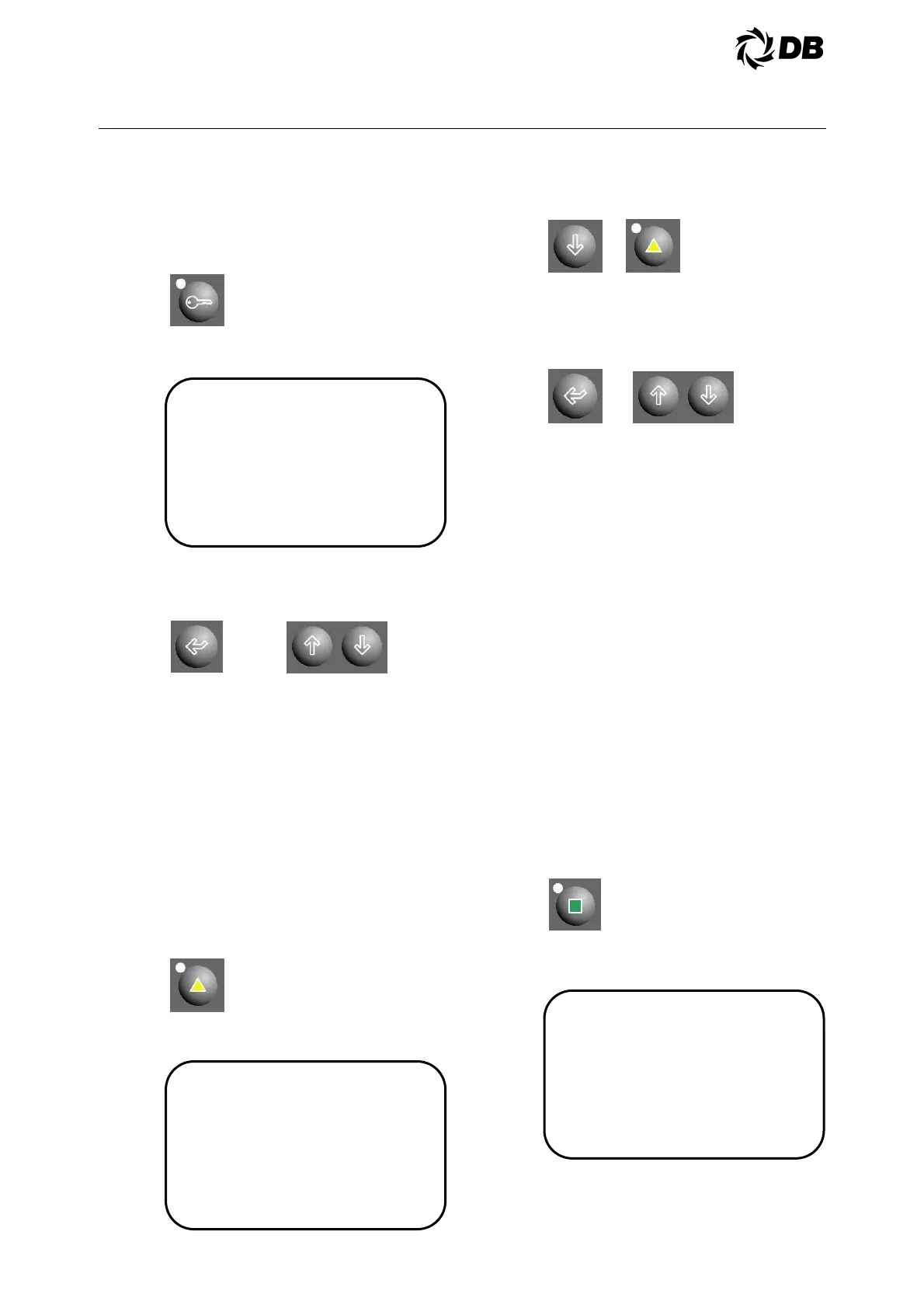
To get authorization level, press
authorization key:
The display is showing the current
access level as view only:
Press enter key and use the up-down
arrow key to change the password
settings and press enter key to confirm.
Now the authorization status change to
different access level.
4.3.4 ADVANCED USER KEY AND
MENU
4.3.4.1 User Key
User key is use to view and change the
pressure, ampere safety limits and
liquid injection temperature setpoints,
unit of measurements. In order to gain
access to this button, you must be
authorized and log in at least as user
level.
Press the user key and display is
showing the data as follows:
Press down arrow key or user key to go
to next screen for other setpoint:
To alter setpoint data, press enter key
to select the setpoint to alter and use
the up-down arrow key to change the
value and press enter key to confirm.
Repeat the above steps for others
setpoints.
4.3.5 TECHNICIAN KEY AND MENU
4.3.5.1 Technician status key
This key is use to view and change the
compressor FLA setpoint, sensors
calibration, manually control digital
inputs and outputs, manually control
compressor. In order to gain access to
this button, you must be authorized and
log in at least as user level. See the
authorization section about this
procedure.
4.3.5.2 Technician status key –main
menu
Press technician key to go to technician
setpoints main menu:
The display is showing the data as
follows:
Press enter key to move the cursor to
the sub-menu.



 To Next Page