- 43 -
Digital Inputs
Manual Control
C1 Starter= Auto
C1 Oil Lvl= Auto
Unit Enable= Auto
Flow Switch= Auto
Relay Outputs
Manual Control
Alarm Relay Auto
Liquid Inj C1 Auto
CW Pump Auto
Vap Inj Relay Auto
Compressor Control
Manual Override
COMPRESSOR 1=AUTO
St= 0005
Amps= 071.8
Capacity= 025.0%
Technician Setpoints
Main Menu
Comp FLA Calibration
Sensor Calibration
Manual Control
Compressor Control ■
Sensors Override
4.0 ELECTRICAL
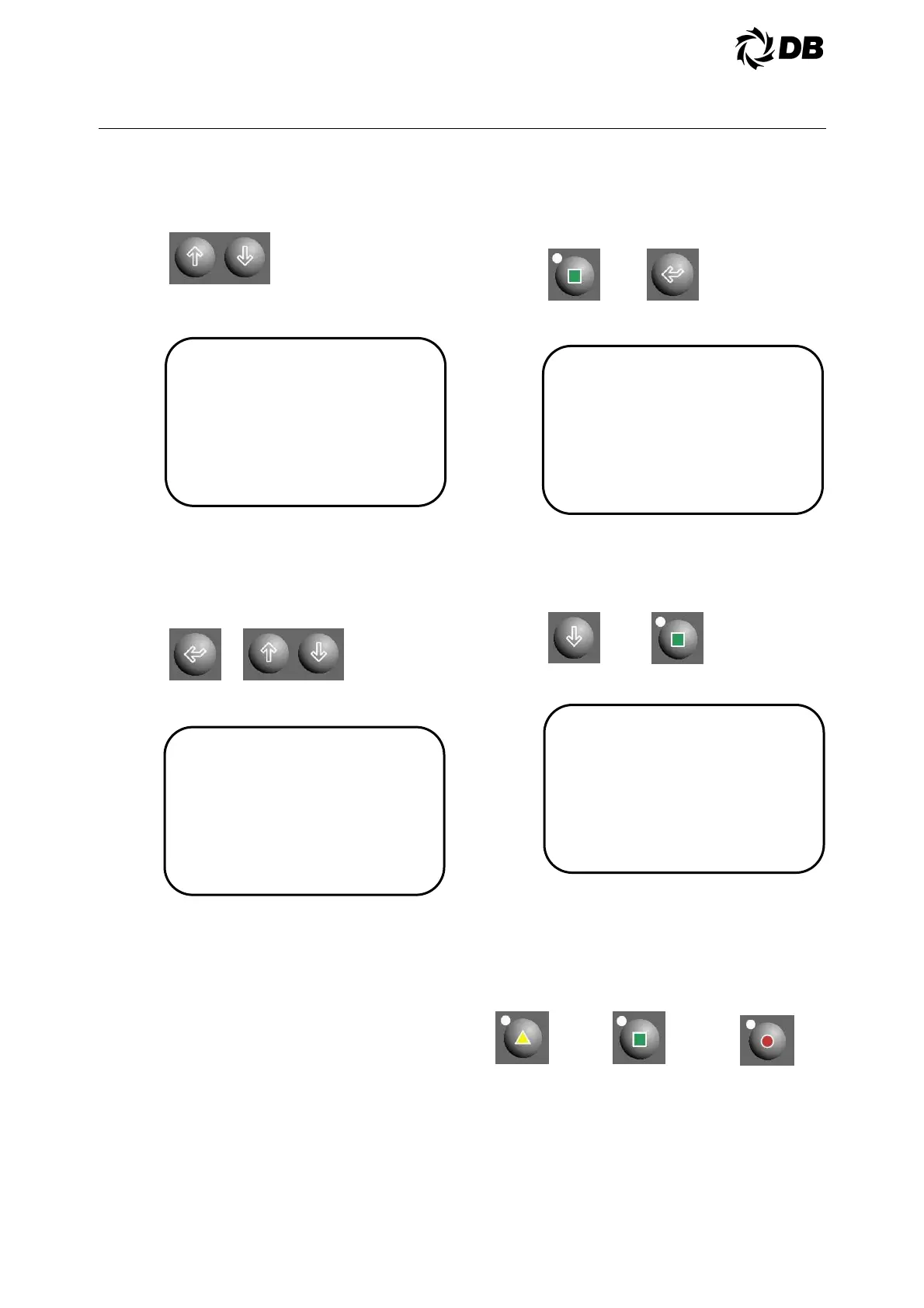
Use up or down arrow key to move the
cursor to the desired digital input or
relay output,
The display is showing the data as
follows:
Press enter key to move the cursor to
the desired point for manual control and
use the up or down arrow key to
change the status of the digital input or
relay output to AUTO/CLOSE/OPEN or
AUTO/ON/OFF.
The display is showing the data as
follows:
Press enter key to confirm the change.
4.3.5.6 Compressor Control:
Screw compressors can be controlled
manually with the keypad. A
compressor can be turned on, off, or
placed in computer control. When a
compressor is controlled manually, it
can be commanded to load, hold, or
unload. If safety limiting condition is
active, it will not accept a load
command.
To place a compressor in manual
control, the operator must be
authorized and log in as technician
level and higher.
Press technician key to go to technician
setpoints main menu and press enter
key four times to move the cursor to the
manual control sub-menu:
The display is showing the data as
follows:
Use down arrow key to move the cursor
to the desired compressor control
screen, then press enter key to move
the cursor to compressor status
position, AUTO /MAN/OFF
The display is showing the data as
follows:
Use up or down arrow key to select
MAN and press enter key to confirm the
change. The compressor will start or
continue to run in hold state. Press the
user key to continue hold, press the
technician key to load and factory key
to unload.
Manual Hold Manual Load Manual Unload
If a safety condition is exceeded while
operating manually, the compressor will
shutdown.
CAUTION: Anti-recycle timer is
bypassed by manual control. DO NOT
start a compressor more than once
every 15 minutes.



 To Next Page