85
2
Adjust
Basic Operations
3
<(6
12
$GMXVW
-2%
6DYH6KULQNDJH$GMXVW$OO
/DVWFXWYDOXHV
LQWKLV-2%IRUIXWXUH"
$GMXVWࠉࠉࠉ$GMXVW$OO
6HOHFW-2%
/HQJWK
VW
/DVW
$SSO\6KULQNDJH
6(7
$GMXVW
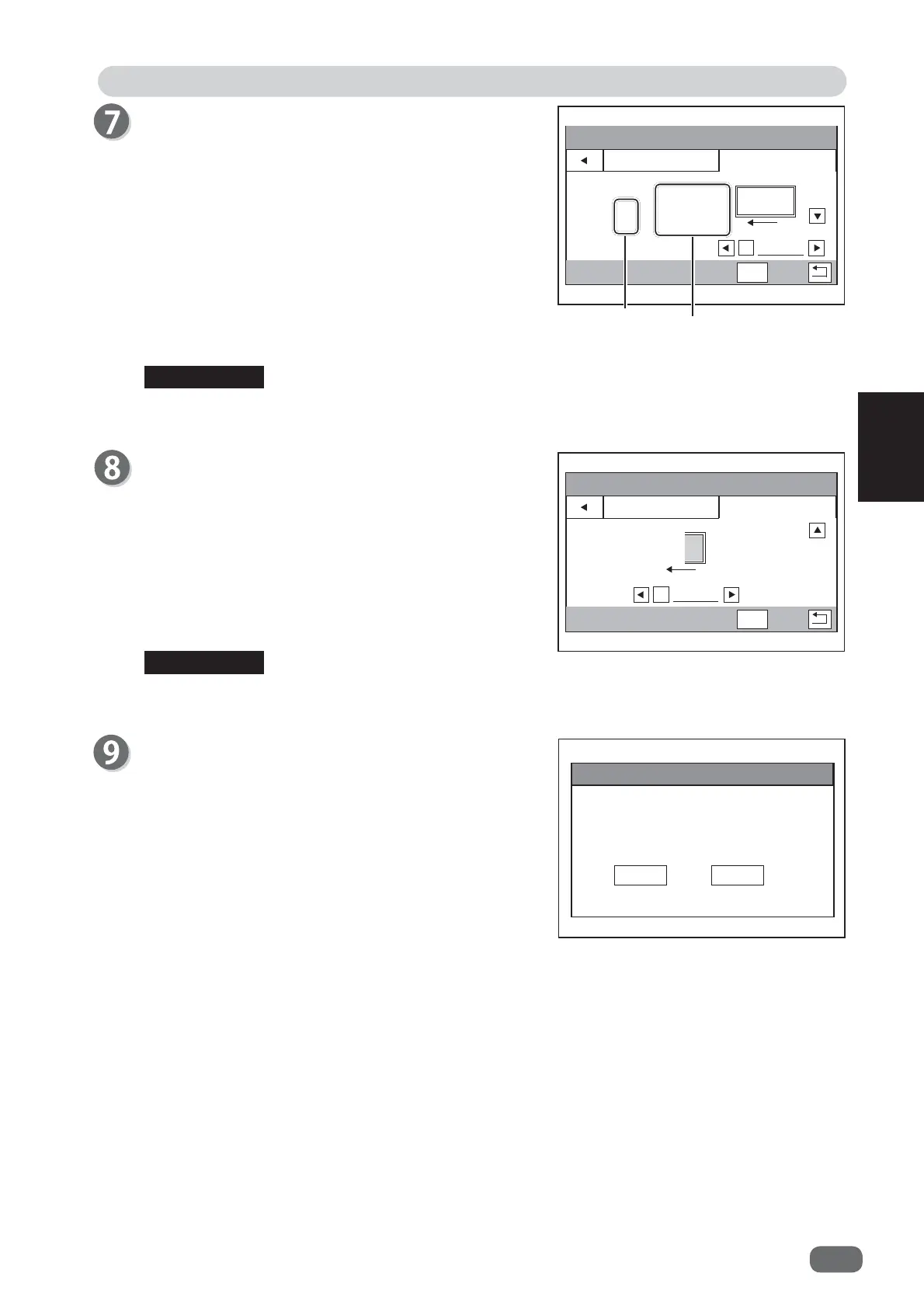
Adjust − Adjust All
The values of the following items of the JOB selected
are displayed as reference values.
Length
1st CUT/1st crease
Last CUT/Last crease
Touch the
arrow (left/right)
icons to adjust values.
Every time the
arrow (left/right)
icon is touched, a
value increases/decreases by 0.1.
Touching the
arrow (down)
icon after adjusting a
value displays the
Adjust − Last Cut Adj.
screen.
Touching
SET
displays the
Adjust
screen in step 9.
$GMXVWࠉࠉࠉ/DVW&XW$GM
$SSO\6KULQNDJH
$GMXVW
6(7
Ѝ
The
Adjust
screen as shown in the fi gure on the right
appears.
To save the settings, touch
YES
. If not, touch
NO
.
After the settings are saved, the
standby
screen
reappears .
Cut
Crease
Reference value
(Current position)
Adjust − Last Cut Adj.
This compensates the last cut position.
Touch the
arrow (left/right)
icons to adjust value.
You can make adjustment in the range of -0.5 to +0.5
mm.
+
direction: This moves the last cut position toward
the lead edge of the document.
-
direction: This moves the last cut position toward the
trail edge of the document.
REFERENCE
The
arrow (down)
icon is displayed only when the
cutter module
is installed in
slot 2
.
REFERENCE
Last Cut Adj.
is displayed only when the
cutter module
is installed in
slot 2
.



 To Next Page