81
2
Process
Basic Operations
3
3URFHVV&UHDVH
6(7
&UHDVH
)HHG
&UHDVH'HSWK
0,'
0,1
6OLW
0$;
REFERENCE
3URFHVV)HHG
6(7
&UHDVH
)HHG
$LU.QLIH
6XFWLRQ3RZHU
5(*0DUN
21
2))
21
2))
0$; 0,'
0,1
6WDQGDUG
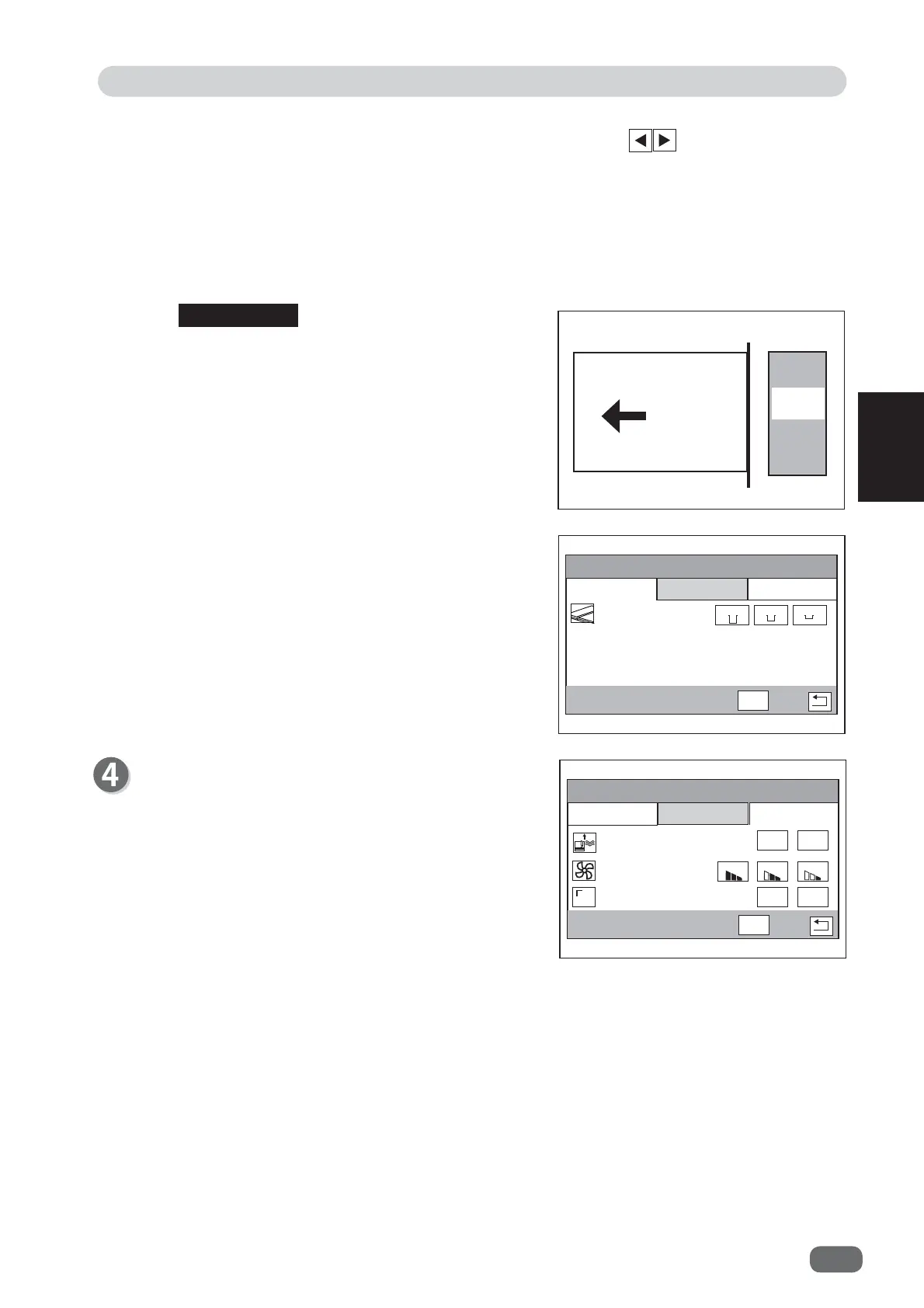
Feed
1.
Air Knife
Compressed air is blown out from the front of the
document to loosen the documents. This prevents
double feed.
To use this function, touch
ON
. If not, touch
OFF
.
3.
REG Mark
Reading the REG mark corrects cutting positions.
To use this function, touch
ON
. If not, touch
OFF
.
● When the
slitter module
is installed in
slot 1
The setting screen of the module in
slot 2
is
displayed because there are no settings to be
created at
Slit
.
2.
Trail Cut Mode
Set the number of dummy cuts for trail cut gutter with the
arrow
(left/right)
icons .
The default is
Auto
.
Auto
: This performs dummy cut once when the trail cut dimensions is 22 mm or
longer.
Dummy Cut ×1
: This performs dummy cut once.
Dummy Cut ×2
: This performs dummy cut twice.
Dummy Cut ×3
: This performs dummy cut three times.
Last cut
Trail
margin
Document
feed
direction
•
Dummy Cut
:
The machine performs cutting operation without
a document to be cut at the position where the
document is fed for the distance of trail margin
length + α.
This is effective for dropping a document, such
as when the trail margin is jammed between the
roller and the lower tool of the
cutter module
.
•
Trail Margin
:
This means margin of the trail edge of the
document produced when the last cut is
performed.
2.
Suction Power
Feed a document by suctioning it to the conveyance
belt to prevent double feed.
Select
MAX
,
MID
, or
MIN
.
When using light weight documents, select
MIN
to
prevent document jams.



 To Next Page