32 33
METHOD OS
MAX
HIGH
MED
LOW
MINI
ENTER
PERFOR
SETTING
SMART
ABS
MED
PERFORMANCE SETTINGS
ABS ON/OFF
ABS is the amount of time, in
milliseconds, that the dwell is
increased for the fi rst shot after a
period time of no shots. This is to
help prevent bolt stick, and fi rst shot
drop off.
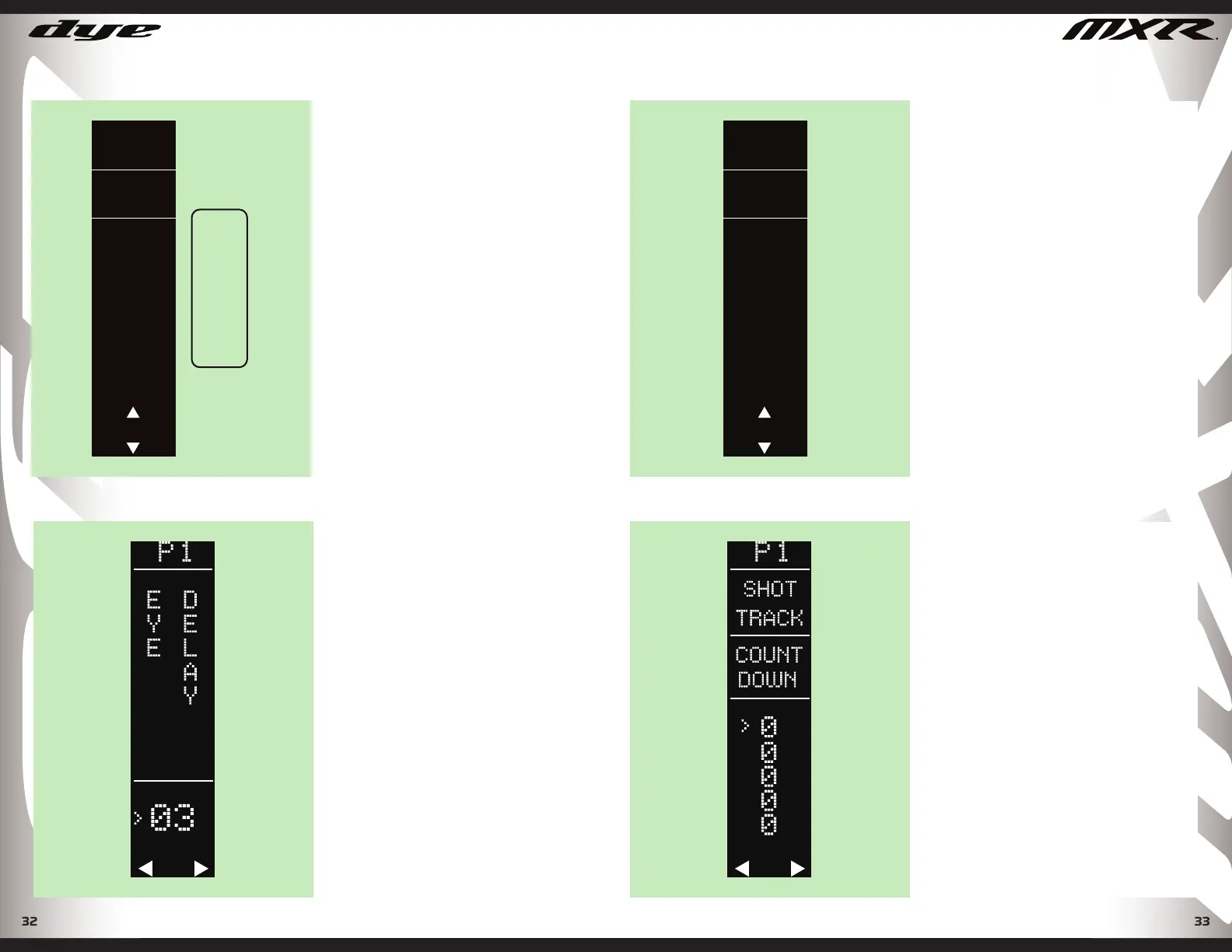
EYE DELAY
Values 01-20
( Factory Default 8 )
Eye Delay is the amount of time, in
milliseconds, that the eyes must read
a paintball in the breech before the
MXR is allowed to fi re. This helps to
prevent ball chop in the breech. It is
recommended to increase the Eye
Delay for slower feeding loaders.
DYEPAINTBALL.COM
SHOT TRACKER
The shot tracker helps you monitor
your paint consumption during a
game or a day. Choose between
countdown and sum track. The shot
tracker can be set to zero from the
settings menu and reset from the
play mode screen. To reset from the
Play mode screen, press and hold the
joystick left for 2 seconds. When you
select countdown track in the data
settings menu, you will be prompted
to enter your how much paint you
will start with. Tap joystick up and
down to adjust. When starting count
is displayed, tap center of joystick to
save. Once you exit to the play screen
every shot will be tracked.
20
1-20
ENTER
PERFOR
SETTING
TIGGER
SENSE
PERFORMANCE SETTINGS
TRIGGER TOUCH
Values 1 - 20
(Factory Default 3)
Trigger sensitivity is the amount
of time that the trigger must be
released before the next trigger pull
is allowed.
METHOD OS
DYEPAINTBALL.COM


 To Next Page