Leaders in Pipeline Survey Systems
4 - 11
OPERATING MANUAL
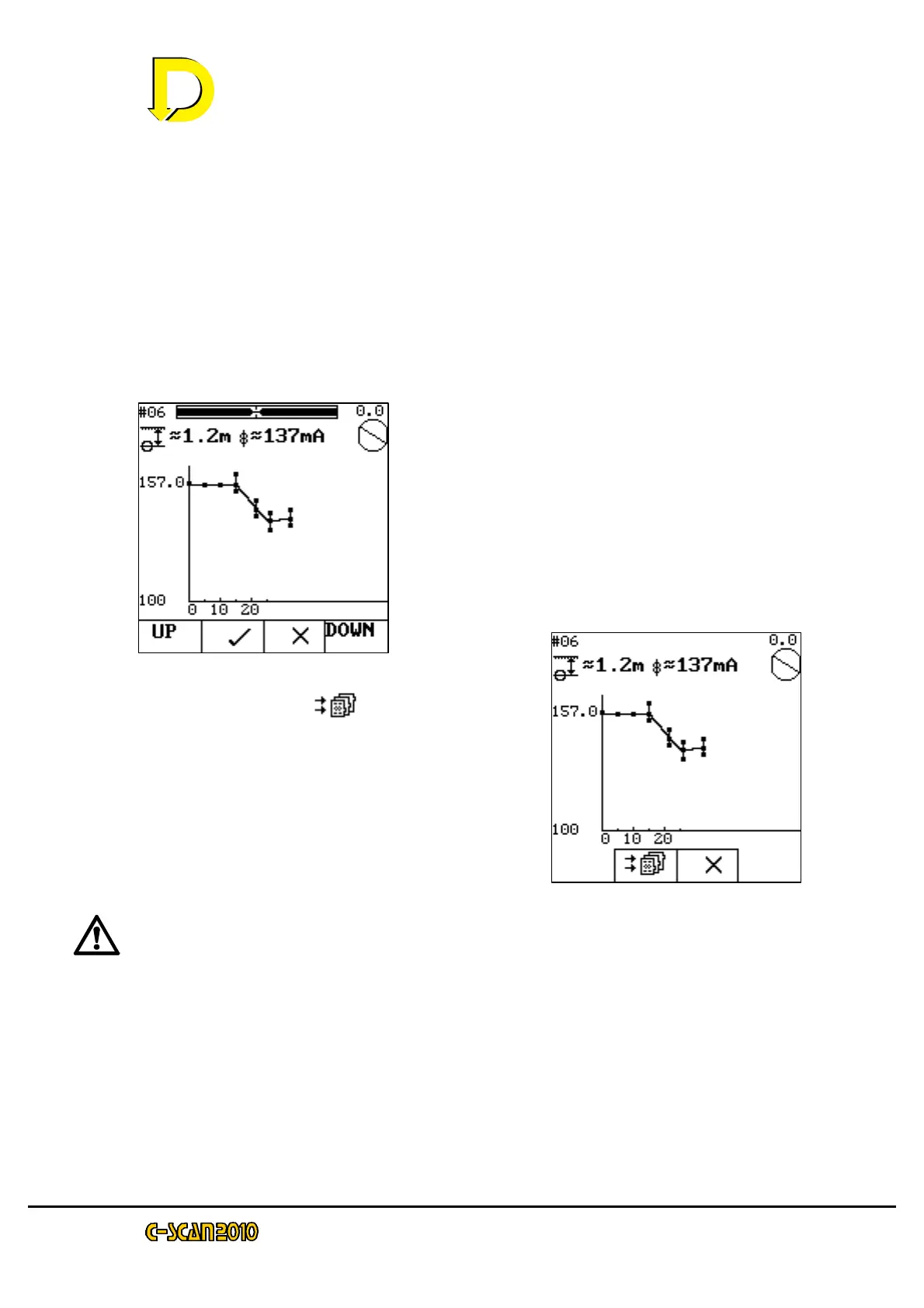
bar showing the maximum, minimum and average current readings taken for this
point.
The UP and DOWN keys allow zooming in on the graph. Press X to ignores
sample and retake reading. Press tick to accept reading.
Move to the next point (using the display in the
upper right hand corner) press OK and the
survey continues.
The survey may continue for as far as is possible.
The graph will auto-scale to fit the points. When
enough points have been taken, press STOP.
The following screen will be shown.
Press the store key ( ) to finish the close
interval survey. Press X to continue with close
interval survey.
Refer to the Survey Procedure Manual on how
to interpret the close interval readings.
Note: during close interval, the attenuation value and GPS
position are not calculated.
After pressing the store key, the screen will revert to the search screen.



 To Next Page