Leaders in Pipeline Survey Systems
4 - 17
OPERATING MANUAL
4.12 Clearing Memory
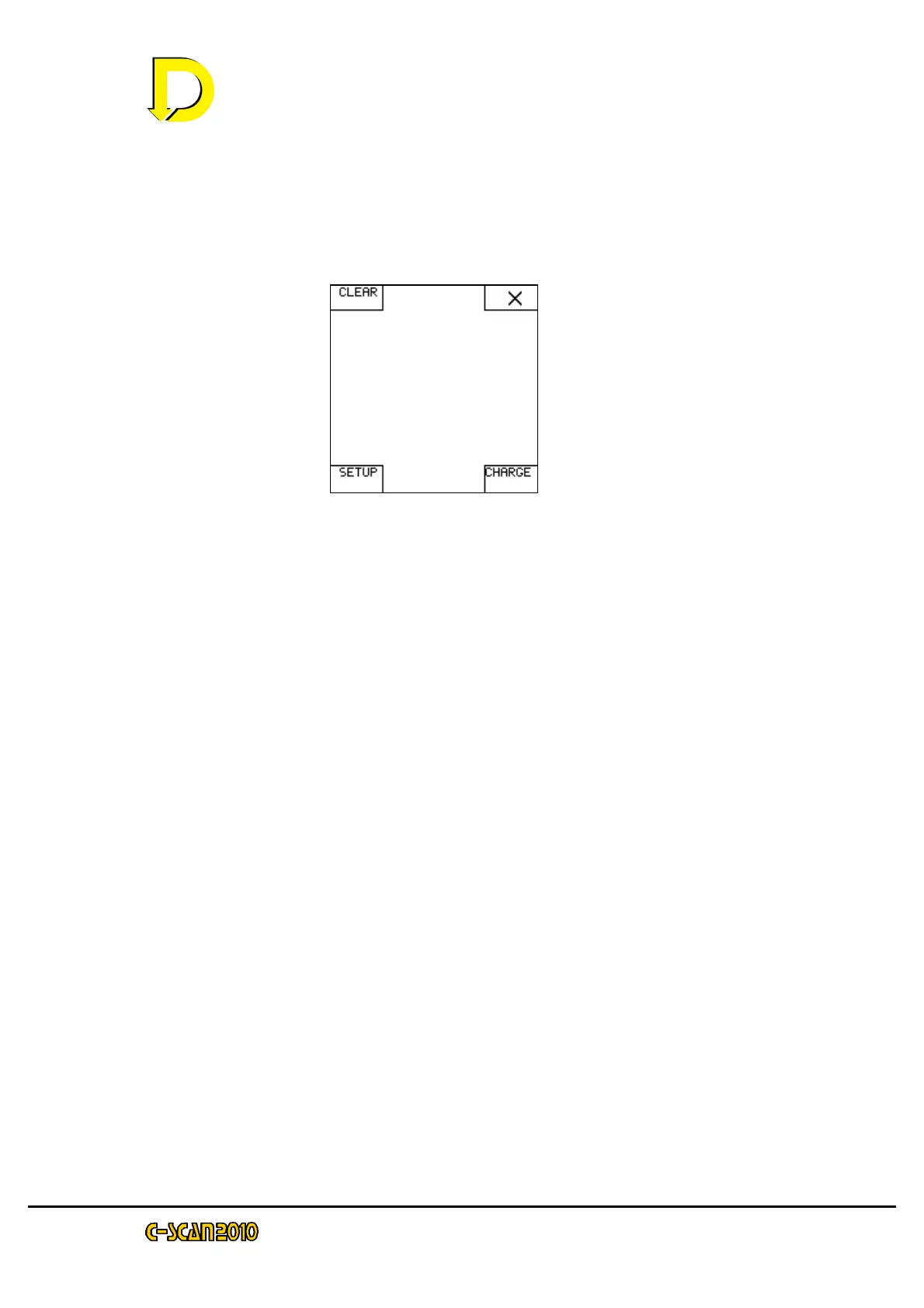
To clear all memory locations (erase data), from the start up screen, press menu,
then press clear. (‘Browse’ key may appear if a survey is in memory)
Press YES (tick) will erase all data, Pressing NO (X) will abort and all data will remain in
memory.



 To Previous Page