Leaders in Pipeline Survey Systems
4 - 14
OPERATING MANUAL
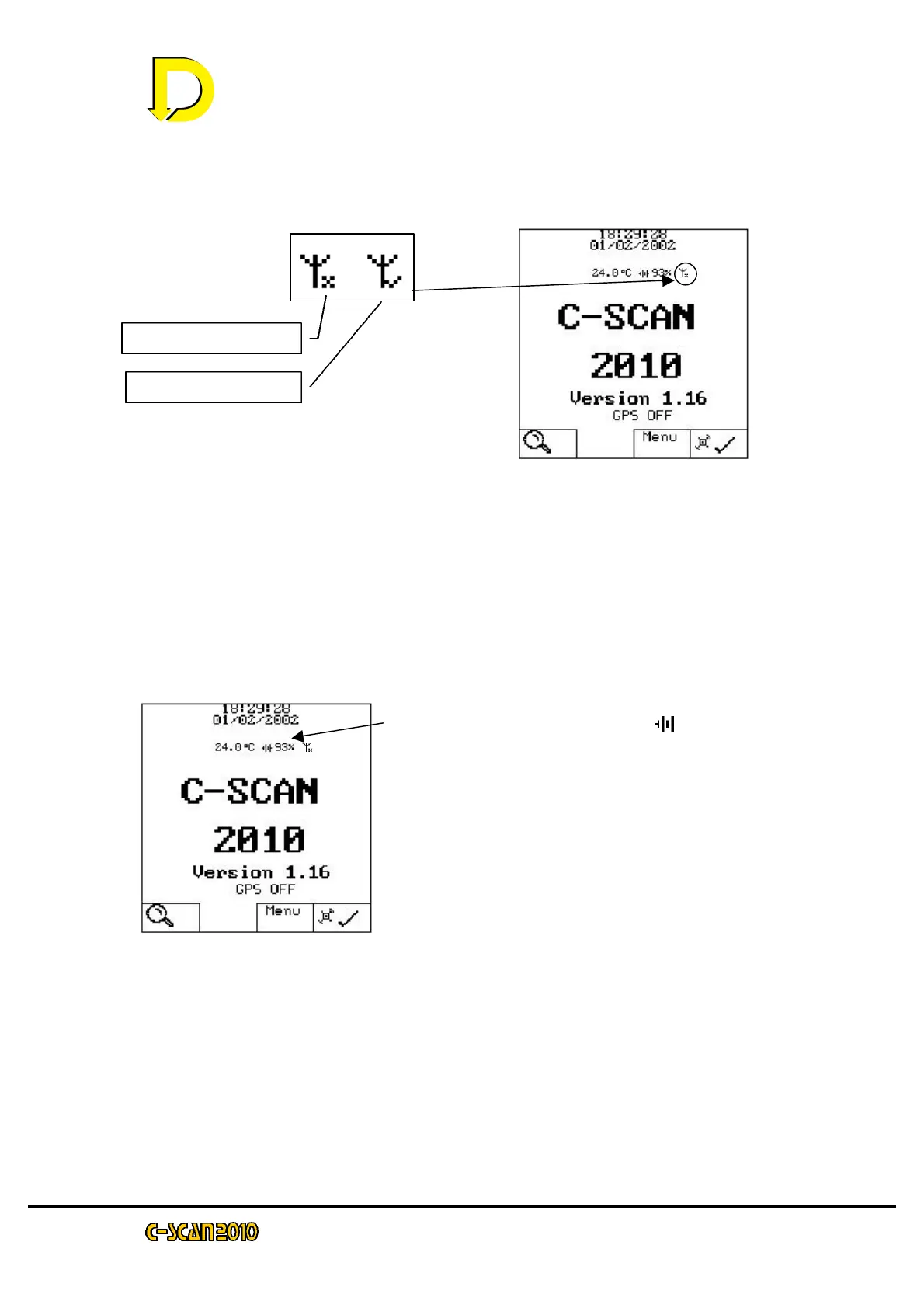
There are messages that are displayed to tell the user which part of C-SCAN is
active. This can be summarized at the start screen
All menu functions switch off the Antennae. Similarly, if the unit has been idle on
the START screen for more than 3 minutes, the antennae is switched off. (On
initial switch on, the antennae is off until the search key is pressed). The whole
unit switches off after 5 minutes.
If the GPS is on and the unit is at the START screen, the unit will switch off 5
minutes after acquisition.
If the unit is left ON in the SEARCH screen, it will remain on until the batteries
are exhausted.
Battery level is indicated by the 93% symbol.
Values can range from 0% to 110%.
0% indicates the batteries are exhausted and the
unit will automatically switch off. The batteries
should be charged at this point.
Low battery will be indicated at 5%. This is
sufficient to do one short survey!.



 To Next Page