13CA 251 O251-1EN1
BEFORE START (Contd.)
Instruments and lamps - Control
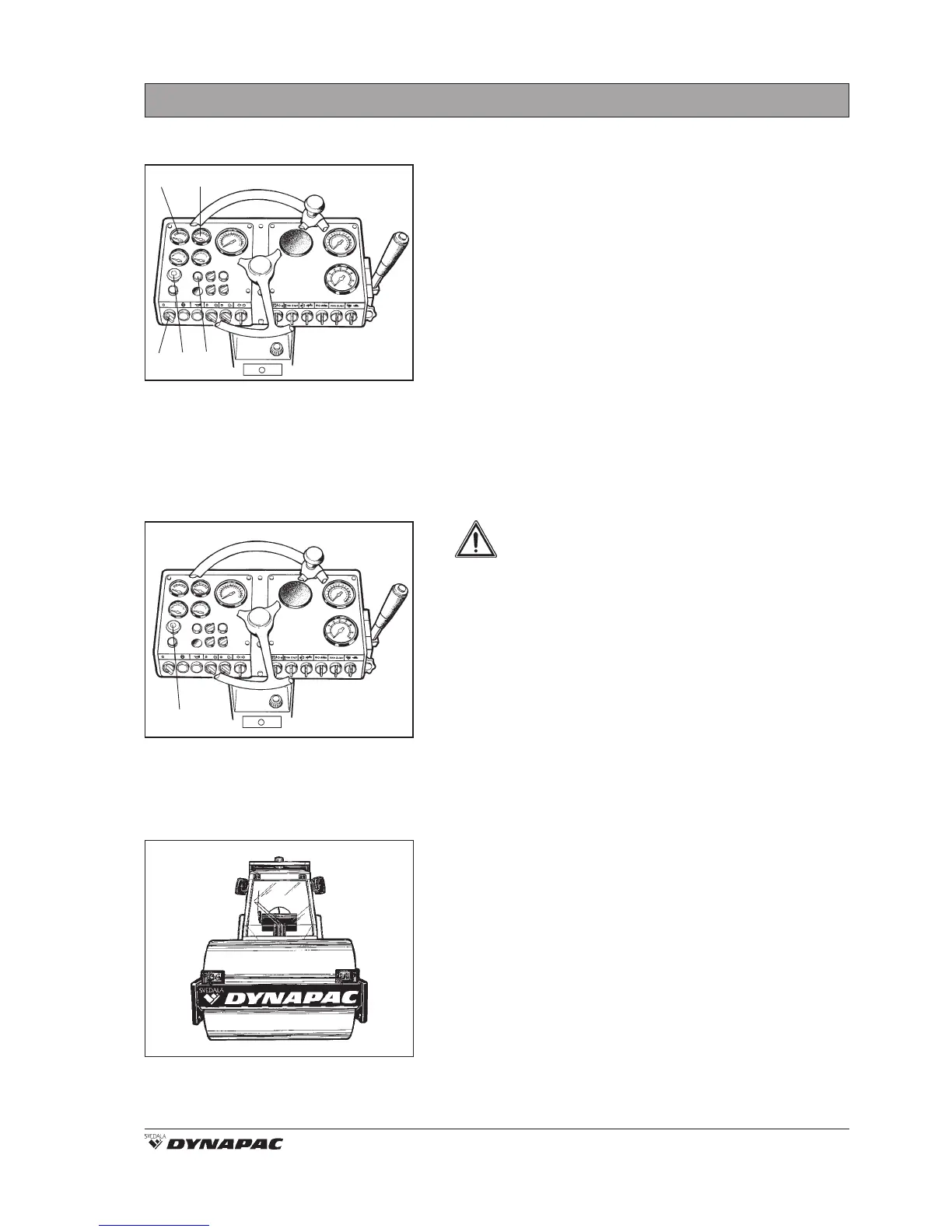
Fig. 9 Instrument panel
9. Starter switch
11. Parking brake knob
12. Oil pressure lamp
13. Voltmeter
14. Fuel gauge
Ensure that the EMERGENCY STOP knob (11) is
pulled out.
Turn the starter switch (9) to position I.
Check that the voltmeter (13) goes up to at least 12
volt.
Check that the fuel gauge (14) gives a reading.
Check that the oil pressure lamp (12) lights.
13 14
9 11 12
Parking brake - Control
Fig. 10 Instrument panel
11. Parking brake knob
Ensure that the parking brake knob (11) is
pressed down.
WARNING: If the parking brake is not
applied the roller may start to roll when
starting the engine on sloping ground.
11
Field of view
Abb. 11 Field of view
Before starting, make sure that the field of view is
unobstructed, both in front and behind. All cab
windows must be clean and rearview mirrors properly
adjusted.



 To Next Page