DS551DR4 User Manual 10
Connecting an External Video Source
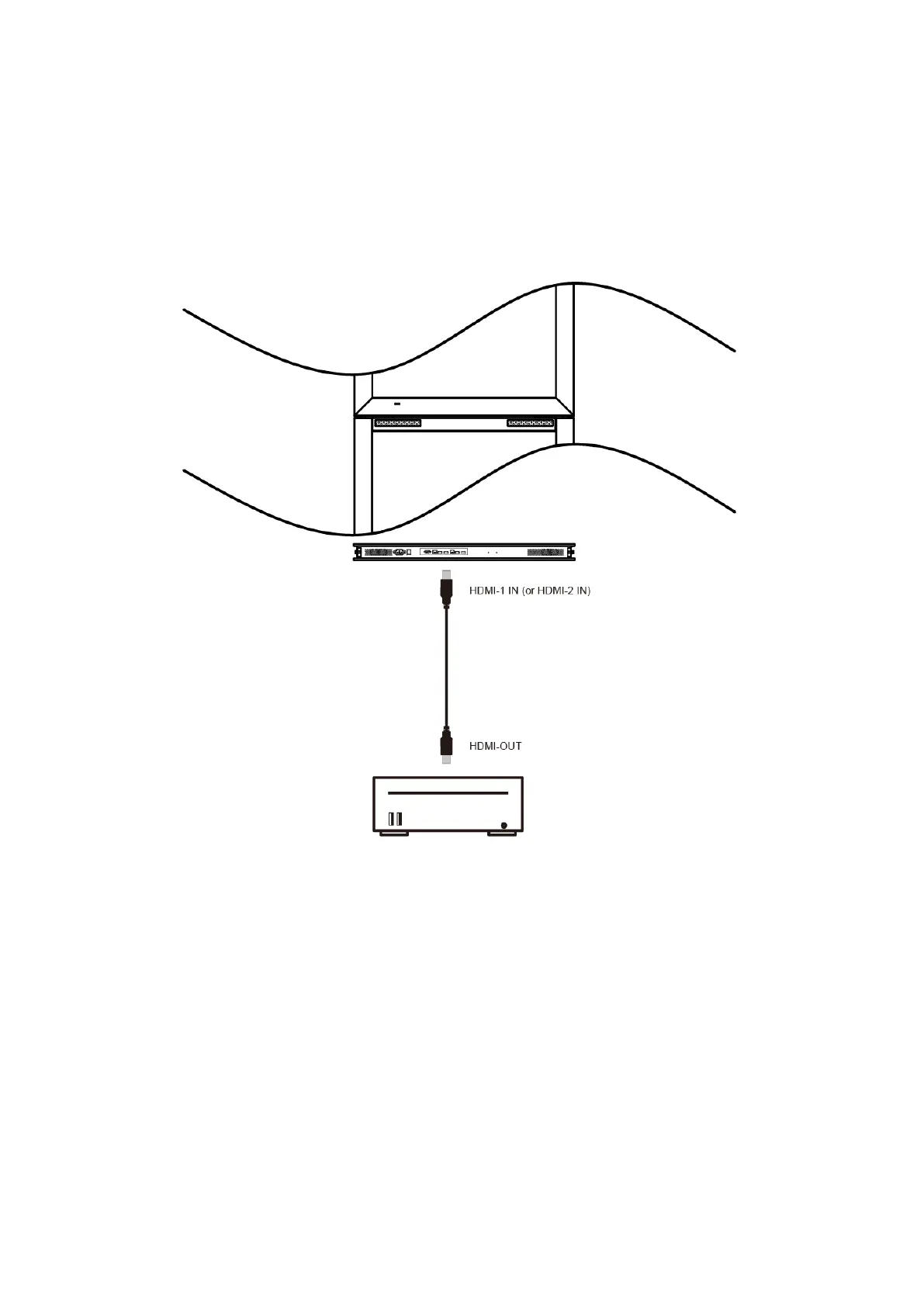
Turn OFF the power of both LCD and external video device. Using the HDMI cable provided, insert
one end into the HDMI-1 IN port (or HDMI-2 IN port) on the bottom of the display shown the in the
diagram below. Connect the other end of the HDMI cable to the HDMI output of the video source.
Refer to your video device’s manual for additional information.



 To Next Page