DS551DR4 User Manual 9
When hanging from a ceiling
• Ensure that the ceiling is strong enough to support the LCD and it accessories. Earthquake,
unexpected vibration and other external forces should be taken into consideration when
evaluating the ceiling strength.
• The LCD should be secured to the building’s structural frame such as a beam rather than light
steel frame or interior decoration.
• Do not use wood screws or dry wall anchors for installation.
Maintenance
• Inspect the fasteners regularly for signs of loosening or deformation. Please perform
appropriate corrective measures when a problem is identified. Neglecting the problem may
worsen the situation.
• Increase the inspection frequency on areas where previous maintenance had occurred to ensure
the problems do not occur again.
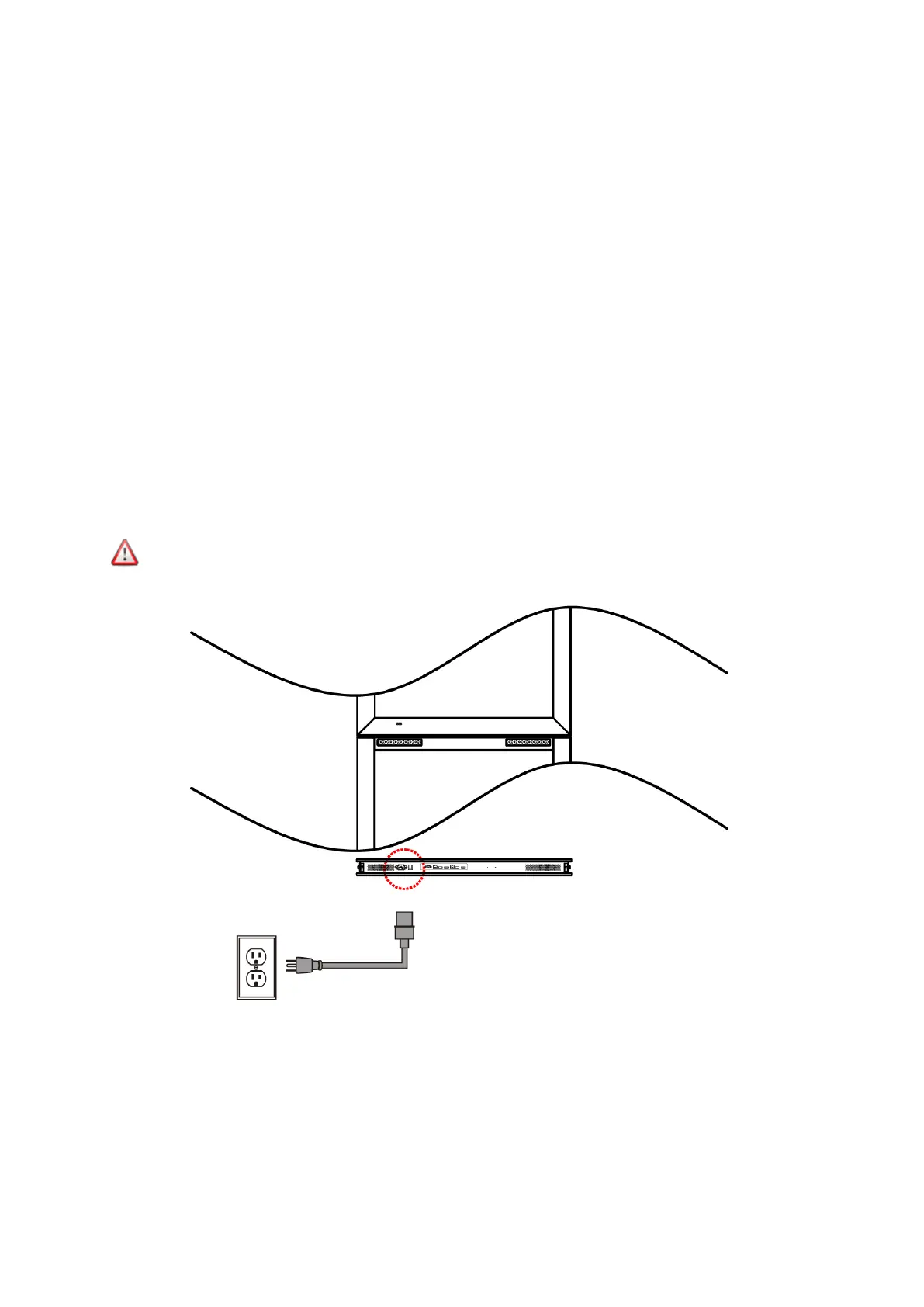
Connecting to a Power Source
Using the power cable provided, plug it in the power inlet on the back of the display shown in the
diagram below. Connect the power cable to a 100-240 volt, 50 / 60Hz AC power outlet.
Insert the plug completely into the socket. A loose power connection may cause damage
to the display and/or lead to a fire hazard.



 To Next Page