DS551DR4 User Manual 8
Orientation
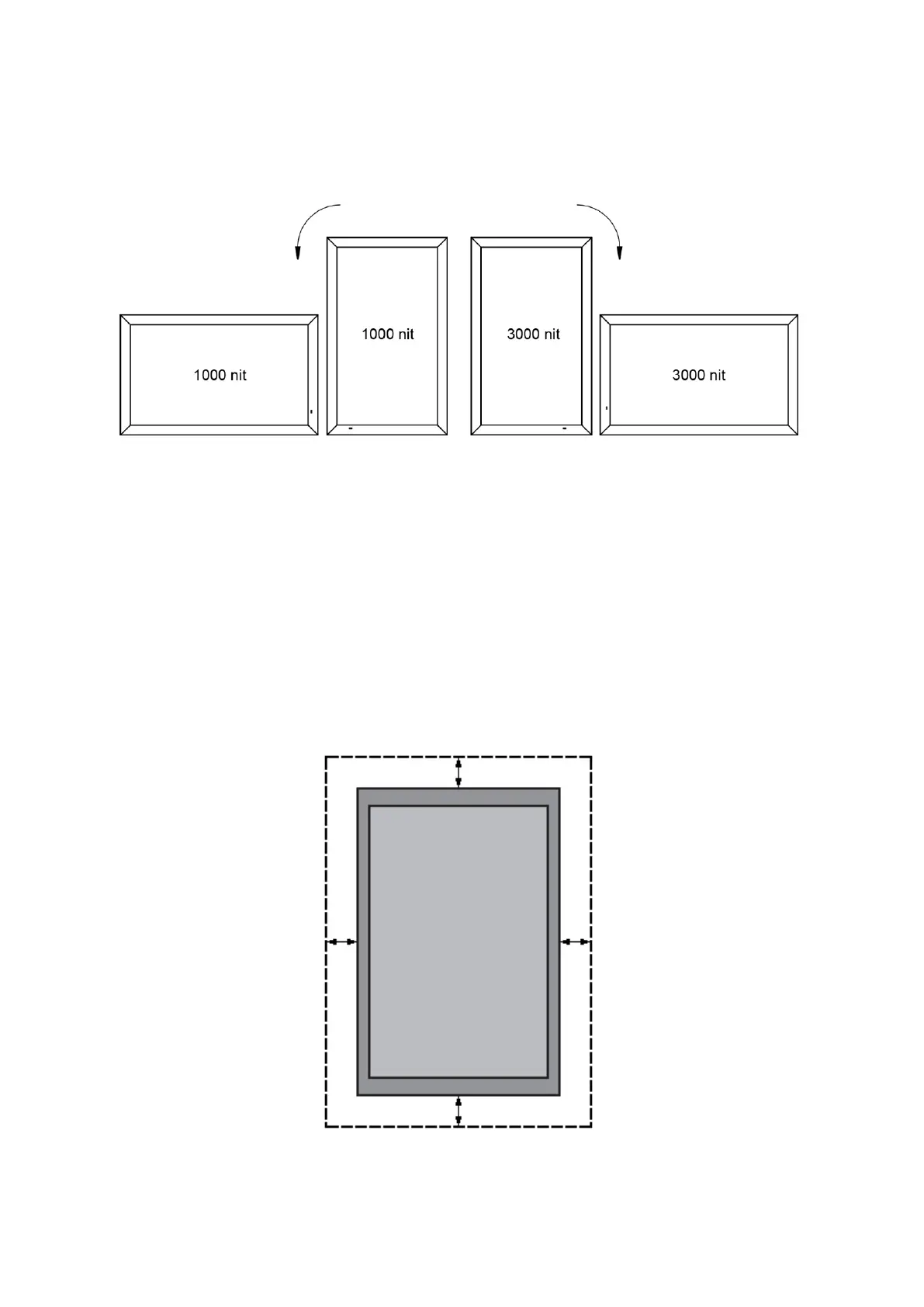
• When used in the portrait orientation, the LCD should be rotated clockwise when looking at the
front of the display such that the left edge becomes the top edge.
Portrait mode: Rotate the set clockwise 90° (mandatory)
Installation Location
• The mount location (ceiling, ground or platform, etc.) must have enough strength to support the
LCD and its accessories.
• Do not install in a location with strong vibrations or is dusty.
• Do not install near the building’s main electric panel.
• Ensure the LCD is secured in such a manner that it cannot be easily removed by the general
public.
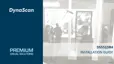
• Leave clearance around the outer edge of the LCD from other objects to ensure proper
ventilation.
• For installations with screens inset into the wall, refer to section: Enclosures for cooling and
ventilation considerations.



 To Next Page