DS751LT4 User Manual 25
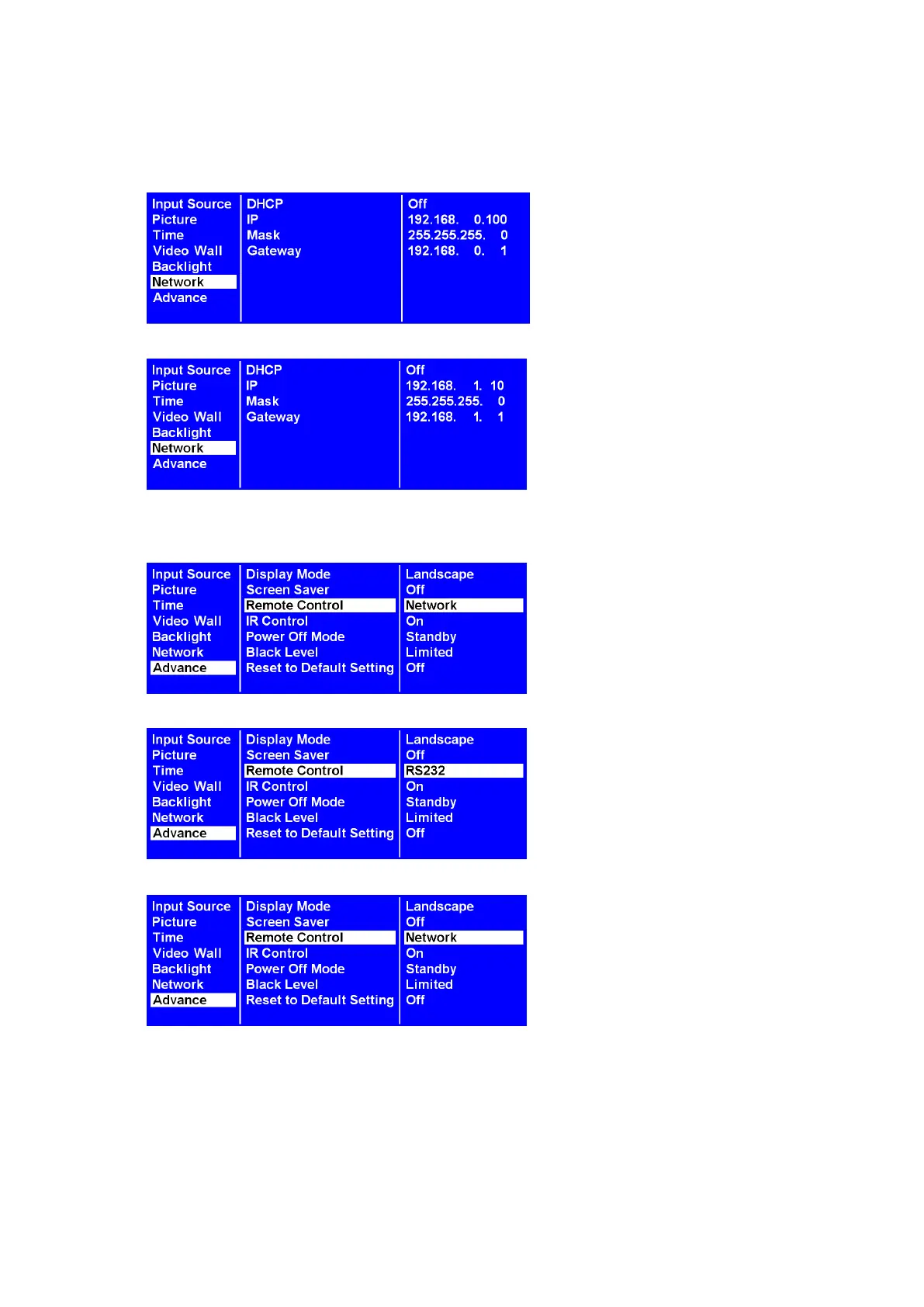
Converting from Dynamic to Static IP
1. Turn the DHCP setting OFF.
2. Type the IP address settings in the IP address, Subnet mask, and Default gateway boxes.
3. Advance > Remote Control
Turn the Network to RS232 (a→b), and then back again to Network (b→c).
a.
b.
c.
The static IP settings have been successfully changed.



 To Next Page