Dynatron® 850plus & 550plus
Ultrasound Technical Information
104
Enter Soundhead Parameters
(For Dynatron 850plus users only)
New SmartHeads™
The Dynatron 850plus features Dynatronics’ new SmartHead™ soundhead that has all
calibration information self-contained. With the new SmartHead, it is not necessary to enter
soundhead parameters as with earlier Dynatron devices. The new SmartHeads can be used
with the Dynatron 125 or the 50 Series PLUS
models. Do not use SmartHeads with former
Dynatron devices including Dynatron 150, 850, 950, 800, or 300.
Using Older Model Soundheads With the 50 Series Plus
Soundheads that were designed for use with the Dynatron 50 Series products may be used with
the Dynatron 850plus. However, these earlier models do not have the calibration information
self-contained and it will be necessary for you to enter the unique parameters for that soundhead
into the Dynatron 850plus before using the soundhead.
The following instructions are provided only
in the event you need to enter soundhead
parameters. Be sure to follow these steps carefully to ensure you have entered all parameters
correctly. The procedure utilizes keys and displays on the key pad that are normally used for
other purposes, but which have specialized applications in the Head Parameters Mode. If you
have any questions about the following instructions, contact Dynatronics’ Customer Service
Department before proceeding.
NOTE: The following procedure IS NOT REQUIRED if you are using new SmartHeads™
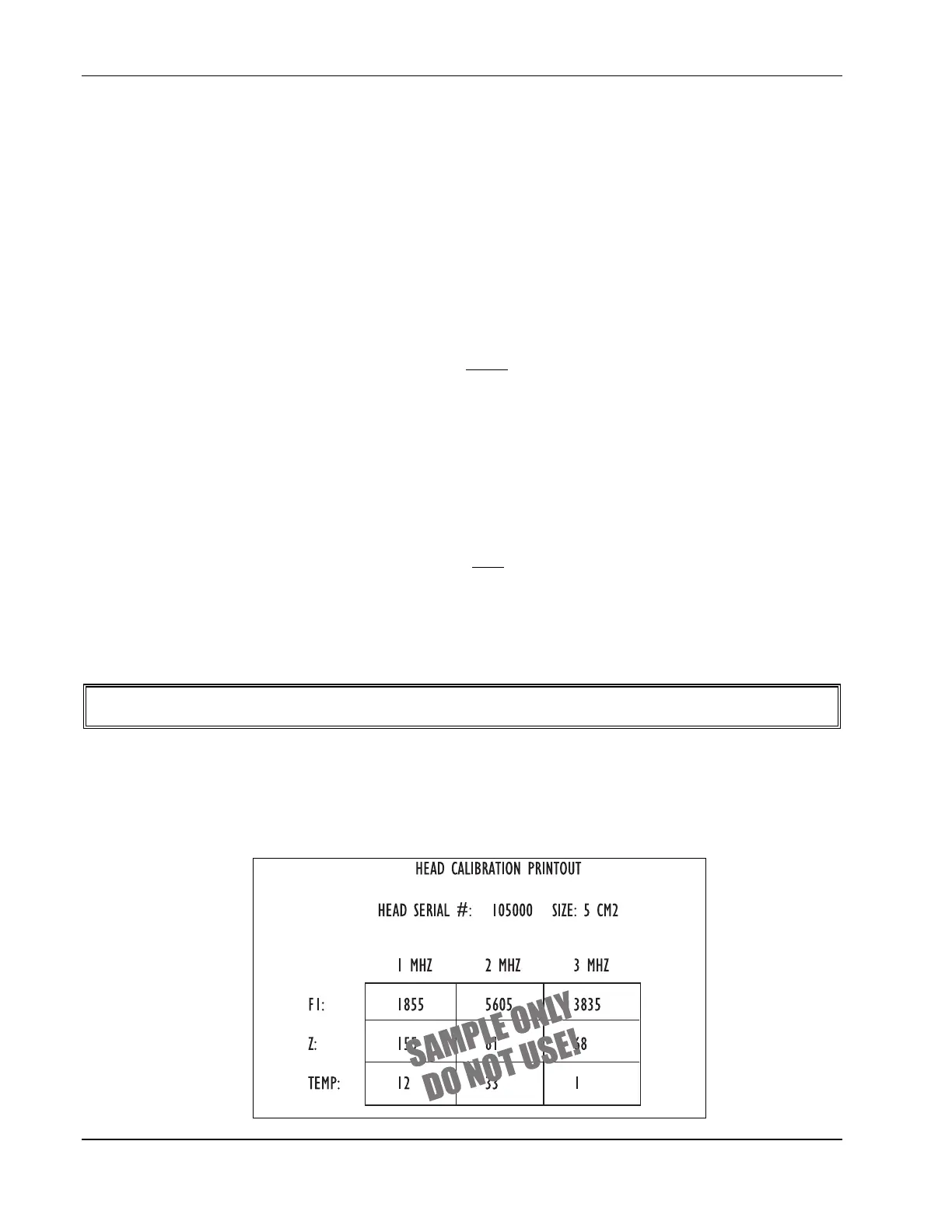
1. Head Calibration Printout. Earlier soundhead models are shipped with a Head
Calibration Printout sheet. The following is an example of this sheet. The sheet contains
unique calibration numbers for a specific soundhead. The soundhead serial number
appears on the sheet to assist you in matching the correct soundhead with the printed
parameters.








 To Next Page