Dynatron® 850plus & 550plus
Installation & Features
13
9. BATTERY: This jack may be used to supply power to the device using an optional
battery pack. More information about the optional battery operation is provided later in
this manual.
30. REMOTE STOP: A cord with a remote stop button is inserted in this jack. The remote
stop is controlled by the patient during unattended therapy to allow the patient to stop the
treatment at any time. When the button on the remote stop cable is pressed, output for all
stim modalities is stopped and the tone sounds briefly. During Combo treatments, both
sound and stim outputs are stopped.
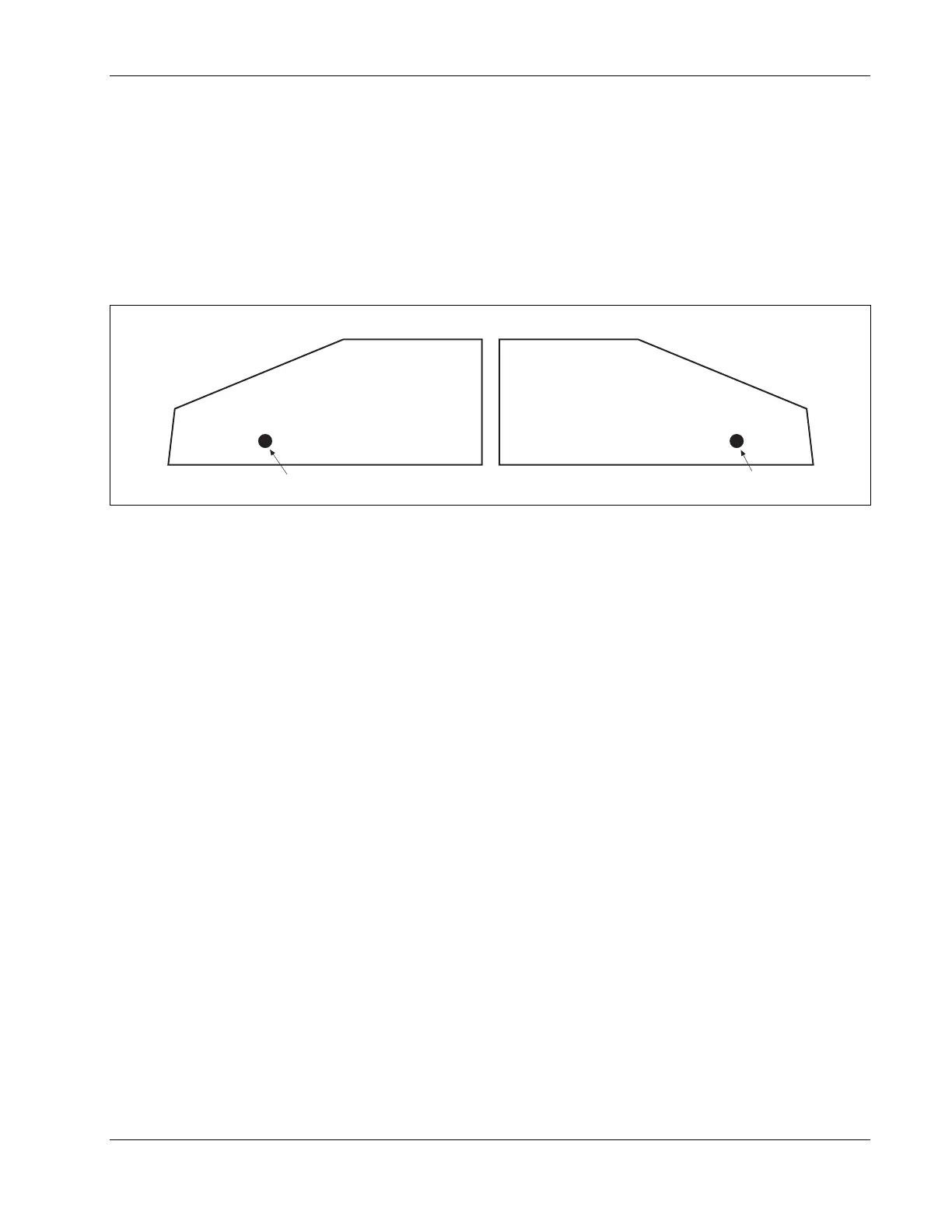
31. Ultrasound Ouput Jack
Right side of device (D850plus only)
32. Ouput Jack for Microcurrent Probe
Left side of device
Ultrasound Micro Probe
Side Panels
Dynatron 850plus and 550plus Side Panels:
31. ULTRASOUND OUTPUT JACK (DYNATRON 850plus ONLY—not available on the
Dynatron 550plus): The applicator soundhead plugs into this jack for ultrasound therapy.
32. MICROCURRENT OUTPUT JACK: The microcurrent probe plugs into this jack for
microcurrent probe therapy.
Instructions for Using Toggle Keys
Toggle keys are used to make selections from two or more options in a given area. Toggle
keys are pressed one or more times to make a desired selection. A GREEN light (LED) next
to the toggle key shows the option that has been selected. Pressing the toggle key one or
more times allows you to scan through the available options.
Each toggle key has unique capabilities. Most toggle keys allow only one selection. For
example, the Ramp toggle key requires you to select just one of the four ramp times
available. However, some toggle keys allow you to select two options. For example, in
interferential you can press the High/Low toggle key once to select High, press again to select
Low, and press again to select both High and Low.
The following is a list of all the toggle keys available with each modality:








 To Next Page