10 Dynaudio
The Xeo system
Components
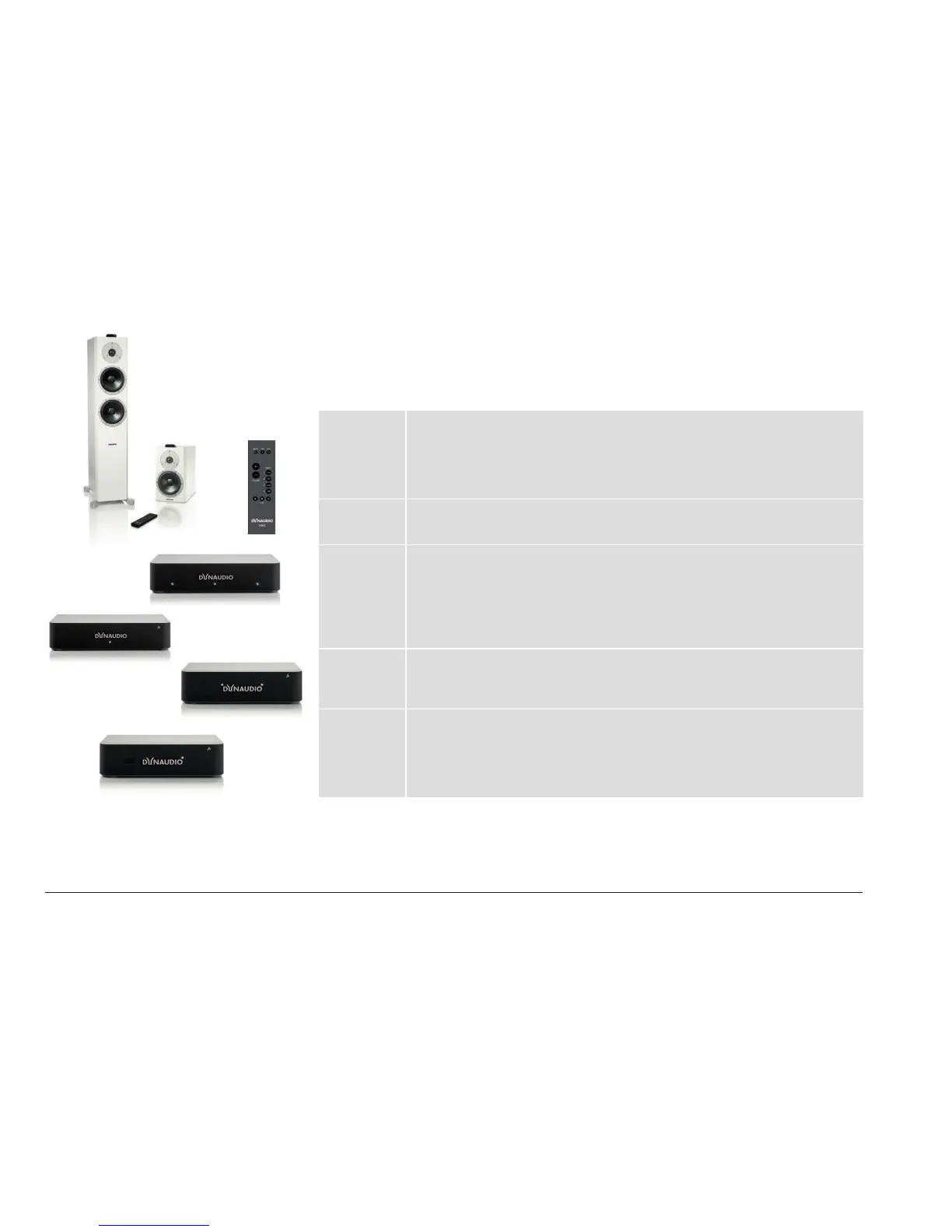
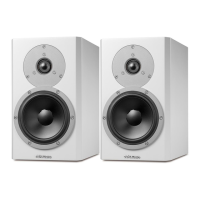
Xeo 2
Xeo 4
Xeo 6
The active Xeo 2, Xeo 4 and Xeo 6 speakers receive the wireless signals from
the Hub or Connect and play them back in optimal sound quality. They have an
integrated amplier and can be controlled with the Xeo remote control. A display
indicates the operational state of the system and lets you switch it on/o or change
the volume without using the remote control.
Xeo remote
control
The Xeo remote control can be used to turn the speakers on and o, change the
volume, and select a Hub or Connect and its connected signal sources.
Dynaudio
Connect and
Xeo Hub
The Dynaudio Connect and Xeo Hub are the control centers for the Xeo system.
Both oer a new level of wireless connectivity and convenience. Signal sources
such as tuners, receivers, CD players, TVs, streaming clients, network players,
MP3 players, or computers are connected to them. Signals are sent wirelessly and
lossless to the connected Xeo or Focus XD speakers (or Xeo Link) where they are
then played back.
Xeo
Extender
The Xeo Extender extends the reception range of the Xeo Hub. As a result, Xeo
speakers or other Xeo components can be operated further away from the Xeo Hub
or Dynaudio Connect.
Xeo Link The Xeo Link receives wireless signals from a Xeo Hub or Dynaudio Connect
and outputs analog and digital signals from its connections. As a result, you can
also connect active subwoofers, active speakers, or other components to the
Xeo system. Xeo Link can also be connected with a 1st generation Xeo Hub
(transmitter).



 To Next Page