32
K000000000EJ 023826A0 100714
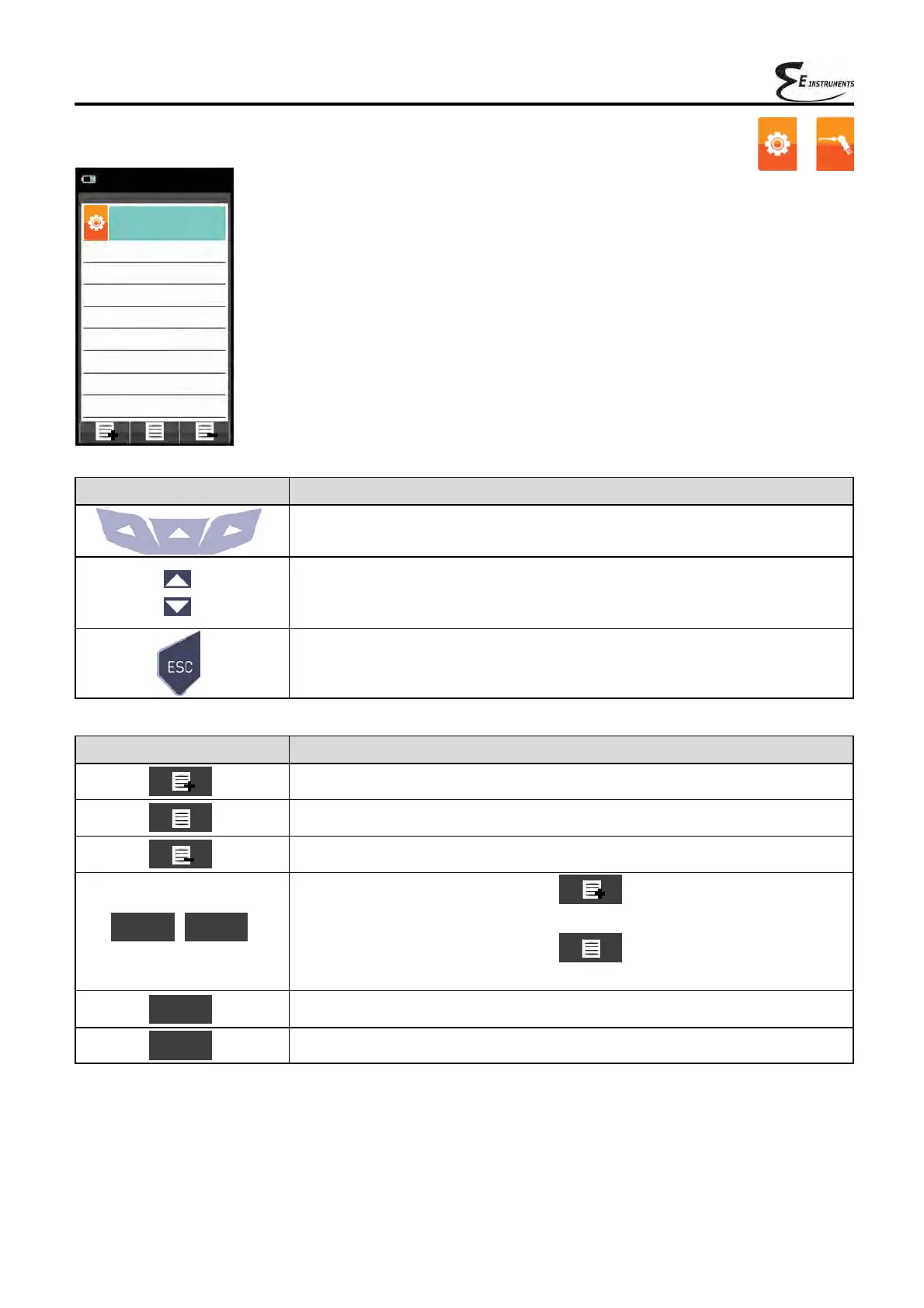
9.2.7 Configuration→Analysis→Measures list
CONTEXT KEY FUNCTION
Adds a line to the list of available measurements.
Activates the movement of a measurement from its current position.
Deletes a measurement from the list of available measurements.
After the activation of the function ' '.
It scrolls through the available measurements.
After the activation of the function ' '.
It moves the element from its current position.
Confirms the operation.
Cancels the operation.
»
OK
▼ ▲
Esc
KEY FUNCTION
Activate the context keys shown on the display.
Select each line displayed (the line selected is red).
In edit mode, it sets the desired value.
When pressed in modify mode cancels the selection made, otherwise
returns to the previous screen.
»
→
Configuration
Measures list
07/08/14
10:00
Eff. tot (PCI)
Loss tot (PCI)
∆T
T air
T flue
Ex. Air
CO
2
O
2
»



 To Next Page