77
K000000000EJ 023826A0 100714
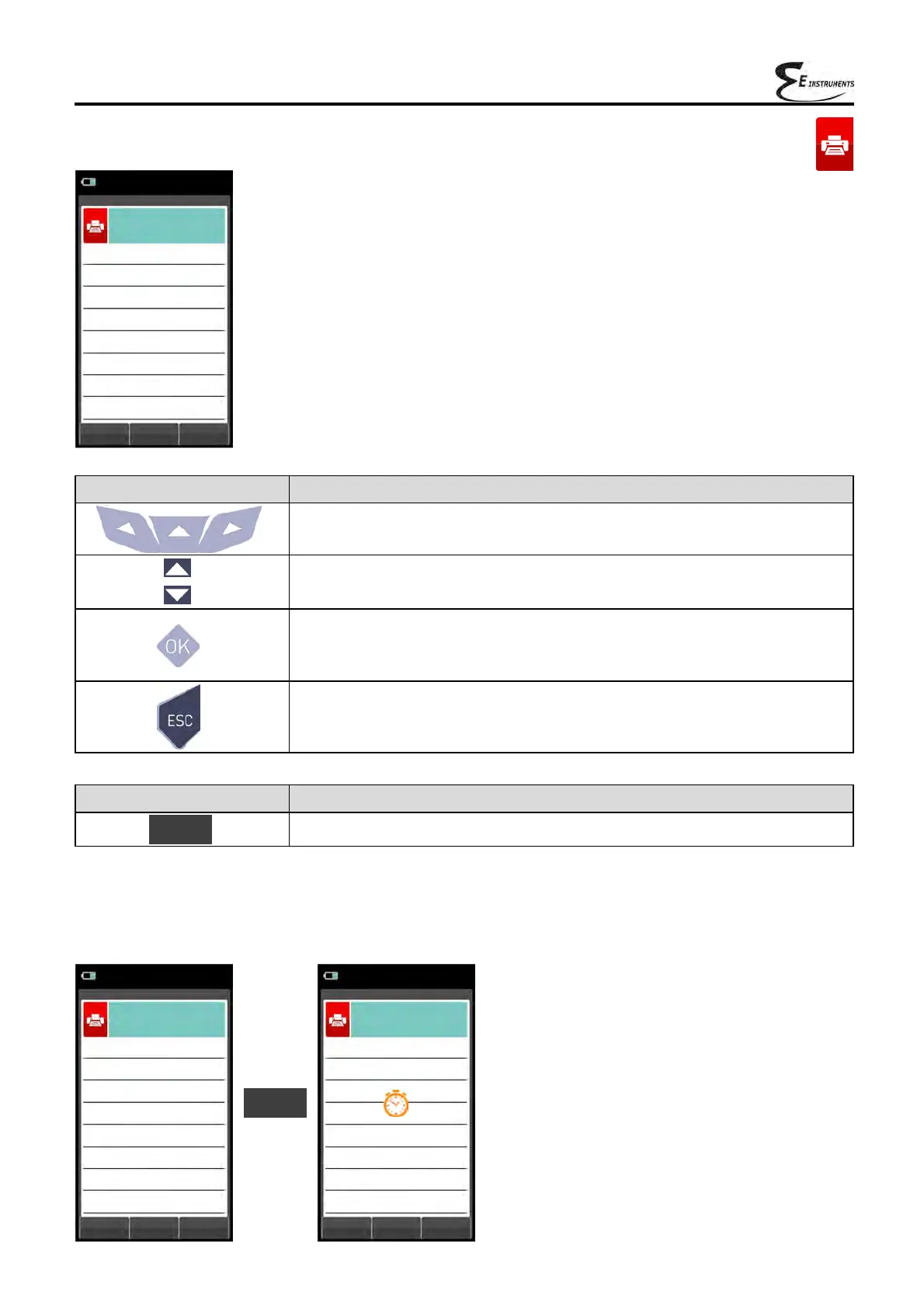
11.4 Print→Test
CONTEXT KEY FUNCTION
Confirms the settings. OK
Example:
07/08/14
10:00
Print
Test
Paper feed
off
Print
off
OK
07/08/14
10:00
Print
Test
Paper feed
off
Print
off
OK
KEY FUNCTION
Activate the context keys shown on the display.
Selects line; the selected line is evidenced in red.
In modification sets the value or the desired mode.
Activates the context key located in the left side of the display.
Returns to the previous screen.
When in modify mode cancels the modification just made.
07/08/14
10:00
Print
Test
Paper feed
off
Print
off
OK
OK



 To Next Page