SHANGHAI ESURVEY GNSS CO., LTD.
11
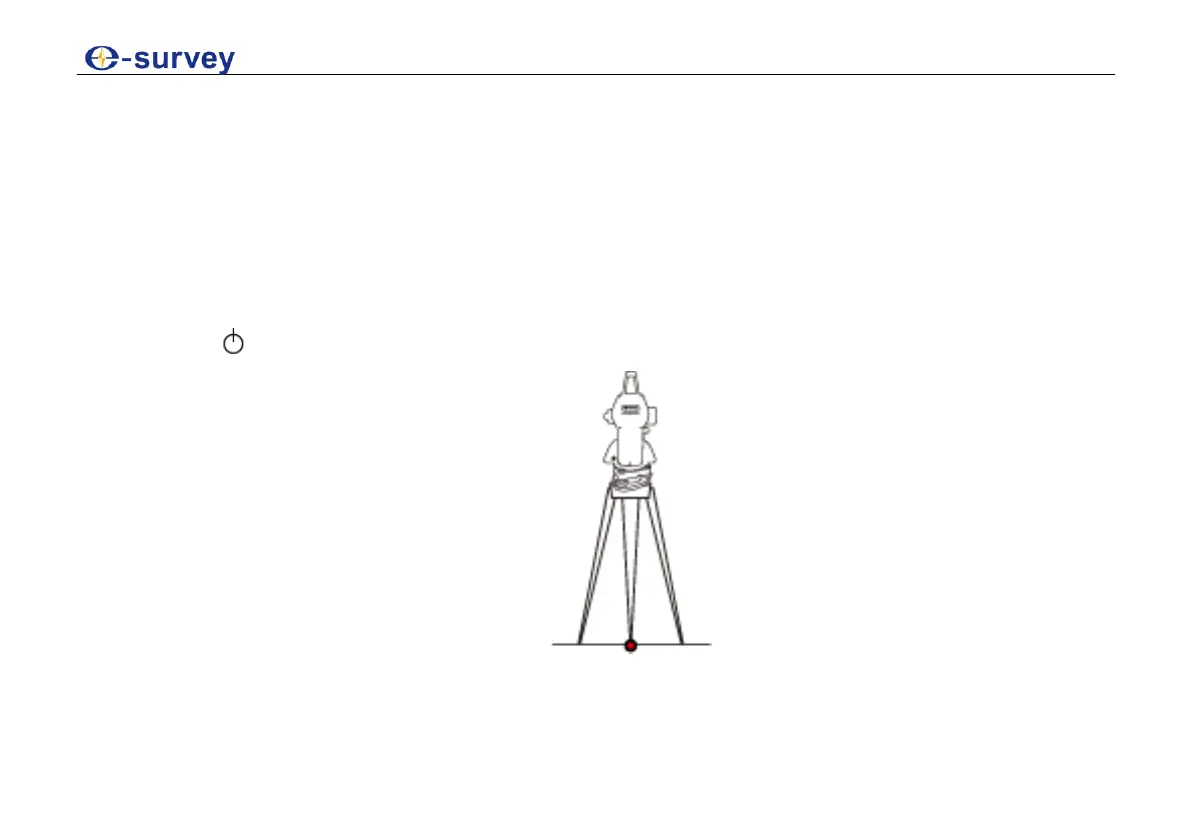
To set up the instrument, do the following:
1. Loosen the clamping screws on the tripod legs, and pull out to the required length to allow
for a comfortable working posture.
2. Position the tripod over the marked ground point, centering it as best as possible, sufficiently
press the tripod legs into the ground to guarantee a firm foothold, and tighten the clamps.
When pressing the tripod legs into the ground note that the force must be applied along the
legs.
3. Fasten the tribrach and instrument onto the tripod.
4. Press to turn on the instrument and laser plummet.



 To Next Page