SHANGHAI ESURVEY GNSS CO., LTD.
33
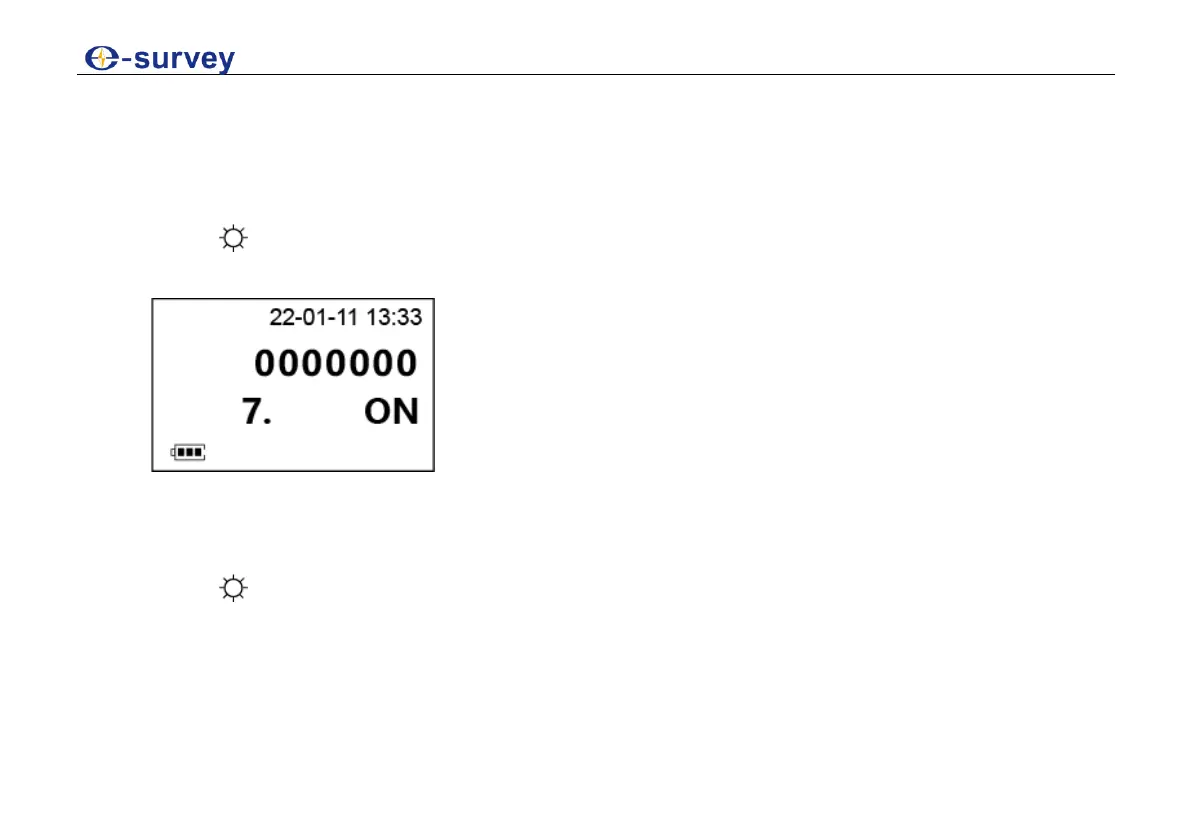
7.7 Set the Beep
The beep is an acoustic signal at right angles (0°, 90°, 180°, 270° or 0 gon, 100 gon, 200 gon, 300
gon).
To set the beep, do the following:
1. Press → R/L to enter configuration mode.
2. Press 0SET to turn to the following page:
3. Do one of the following:
o To switch on the beep, press R/L to change the value to ON.
o To switch off the beep, press R/L to change the value to OFF.
4. Press to confirm selection.



 To Next Page