SHANGHAI ESURVEY GNSS CO., LTD.
18
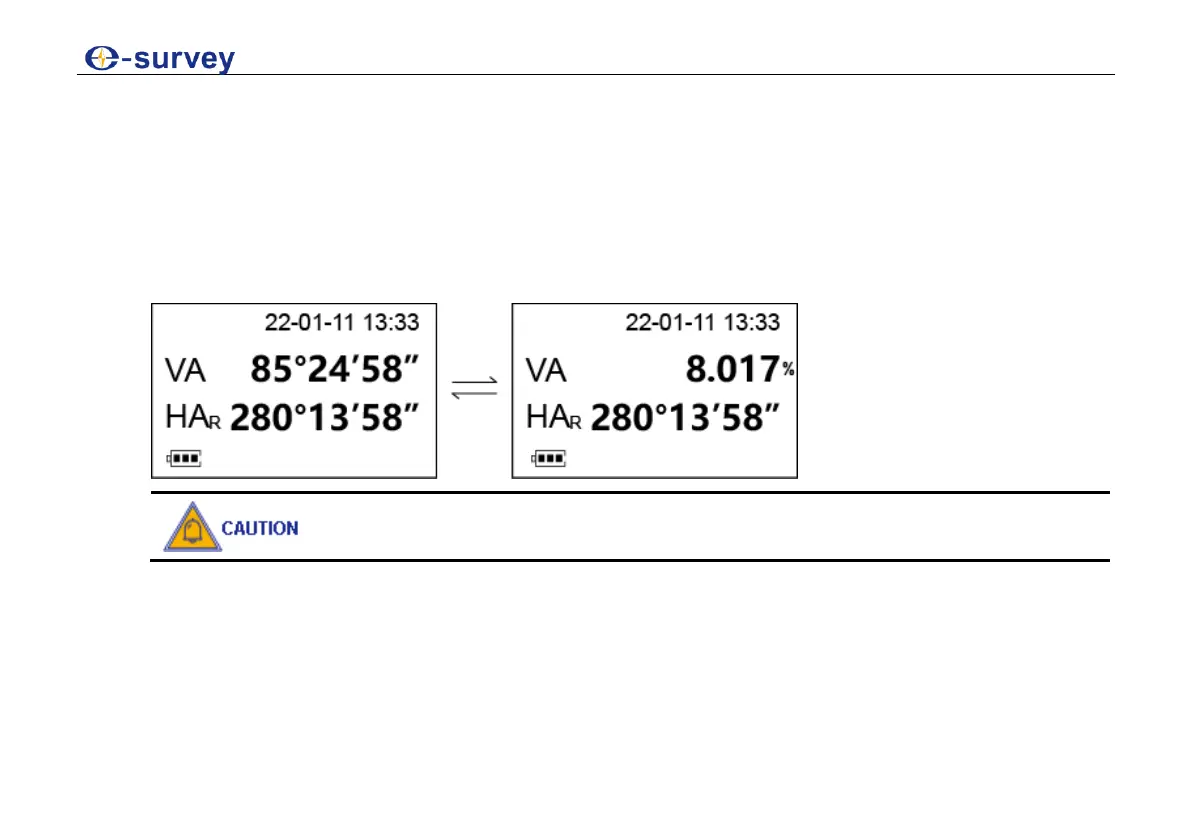
4.3 Show the Vertical Angle in Percentage
Before showing the vertical angle in percentage, make sure position 0 (vertical angle) is set as
OFF (0°).
To show the vertical angle in percentage, do the following:
1. Enter angle measurement after powering on the instrument.
2. Press V/%:
EEEE.EEE appears on the display while the measurement angle is carried
out over ±45° (±100%) from the horizon.
3. Optional: To switch to the angle mode, press V/% again.



 To Next Page