SHANGHAI ESURVEY GNSS CO., LTD.
16
4 Angle Measurement
4.1 Measure a Horizontal Angle
To measure a horizontal angle, do the following:
1. Enter angle measurement after powering on the instrument.
2. Aim at the first target A.
3. Press 0SET.
4. Press 0SET again to set the horizontal reading of target A as 0°00'00".
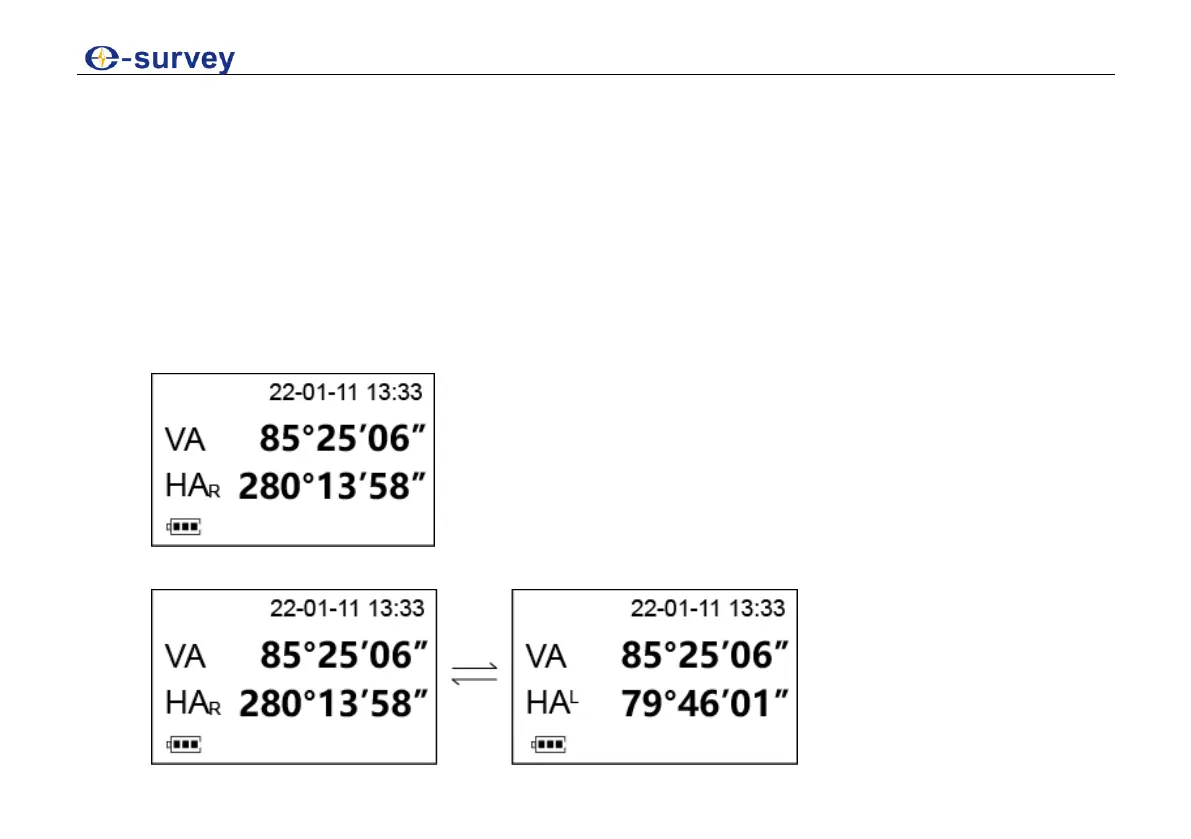
5. Aim at the second target B. The required V/H angle to target B shows:
6. Optional: To switch the horizontal angle between right mode and left mode, press R/L:



 To Next Page