SHANGHAI ESURVEY GNSS CO., LTD.
24
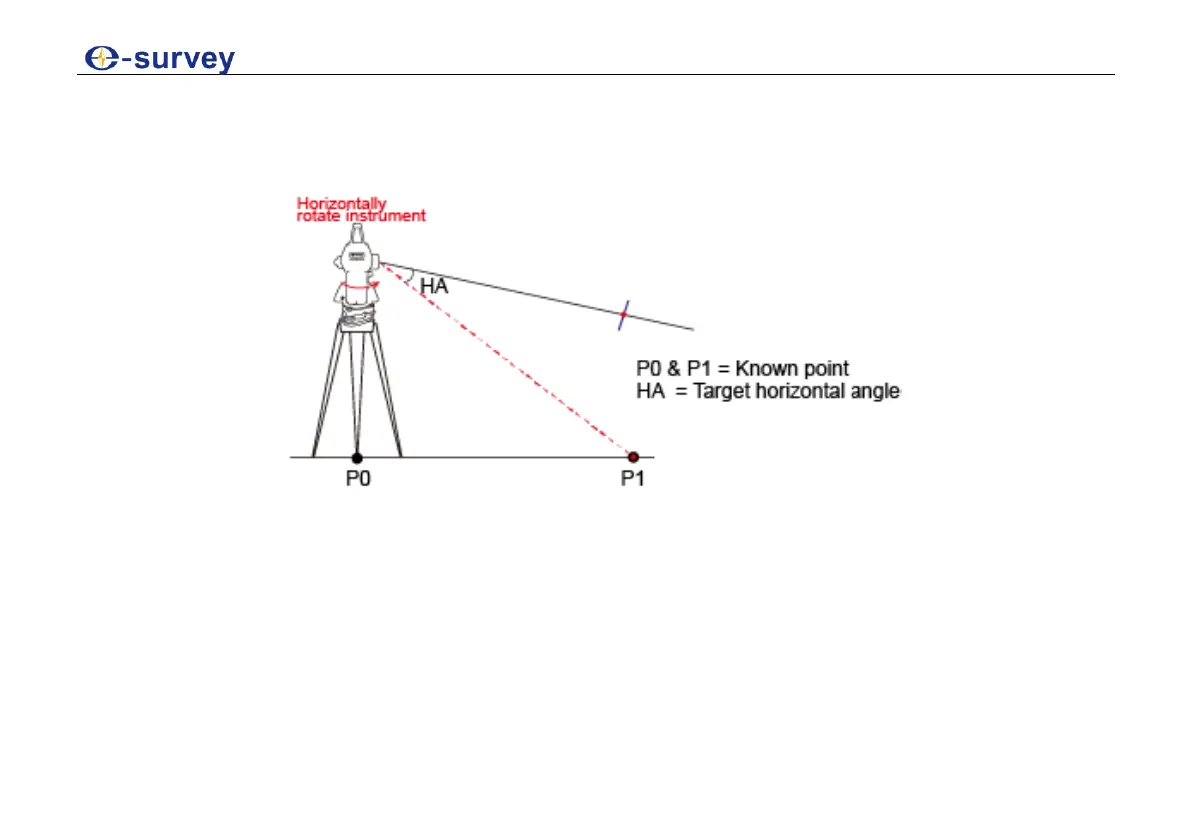
6.2 Design the Target Angle
It is to find the fiducial line with the designed horizontal angle, based on the line of two known
points.
To design the target angle, do the following:
1. Level up the instrument and power on the instrument.
2. Aim at the target point, and press 0SET to set the horizontal angle as 0°00”00’
3. Horizontally rotate the instrument to make the horizontal angle the designed angle.
4. To turn on the laser, press V/% for three seconds.
5. To find the fiducial line, place a board on the target place. The laser point appears on the
board and the fiducial line is found.



 To Next Page