SHANGHAI ESURVEY GNSS CO., LTD.
17
4.2 Hold the Horizontal Angle
To hold the horizontal angle, do the following:
1. Enter angle measurement after powering on the instrument.
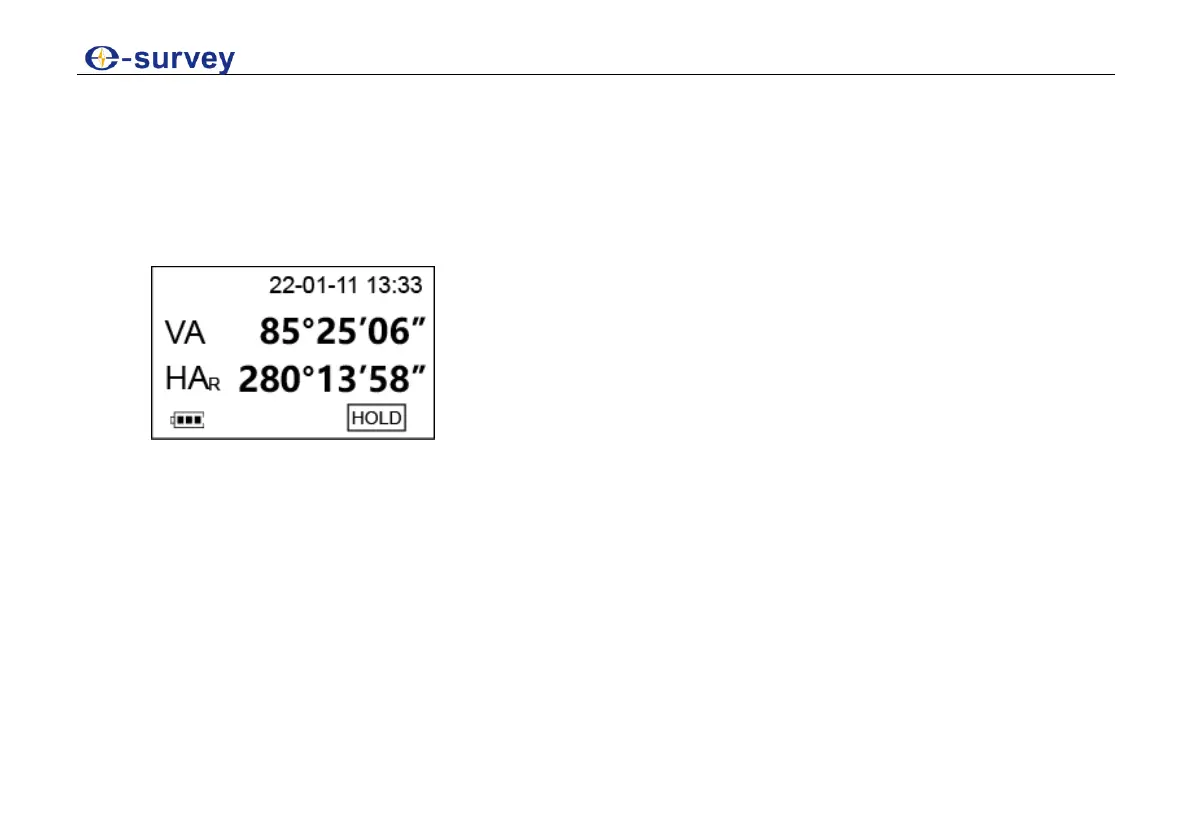
2. Set the required horizontal angle, and press HOLD.
3. Press HOLD to hold the horizontal angle:
4. Aim at the target.
5. Optional: To unlock the horizontal angle, press HOLD again.



 To Next Page