SHANGHAI ESURVEY GNSS CO., LTD.
34
7.8 Set the Angle Unit
The setting of the angle unit can be changed at any time. And the actual values are converted
according to the selected unit.
To set the angle unit, do the following:
1. Press → R/L to enter configuration mode:
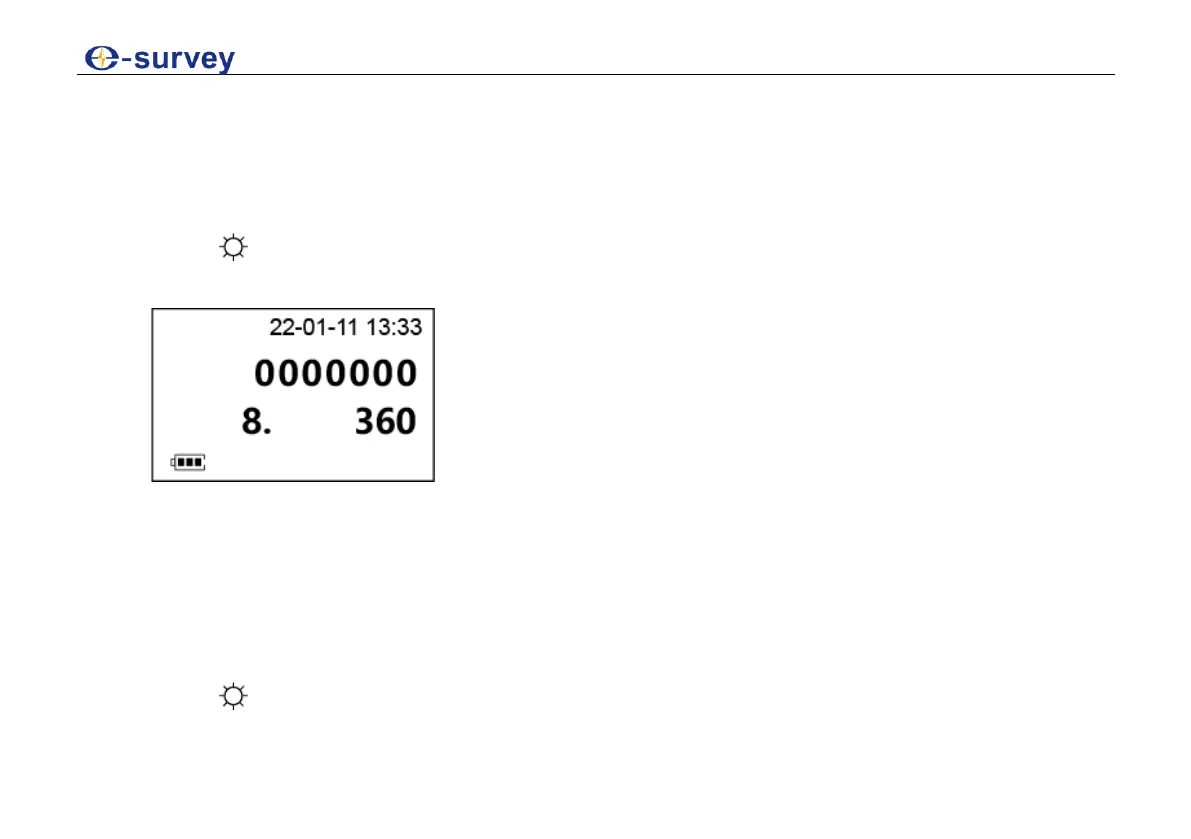
2. Press 0SET to turn to the following page:
3. Do one of the following:
o To set degree sexagesimal as the angle unit, press R/L to change the value to 360.
Possible angle values: 0° to 359°59'59''
o To set gon as the angle unit, press R/L to change the value to 400.
Possible angle values: 0 gon to 399.99.99 gon
4. Press to confirm selection.



 To Next Page