18/40
E-XTEQ DS ONE User Manual / Ref. MAN_DSOne_STL_EN_V1.3
Initial Setup 8/9
UPDATE ////////
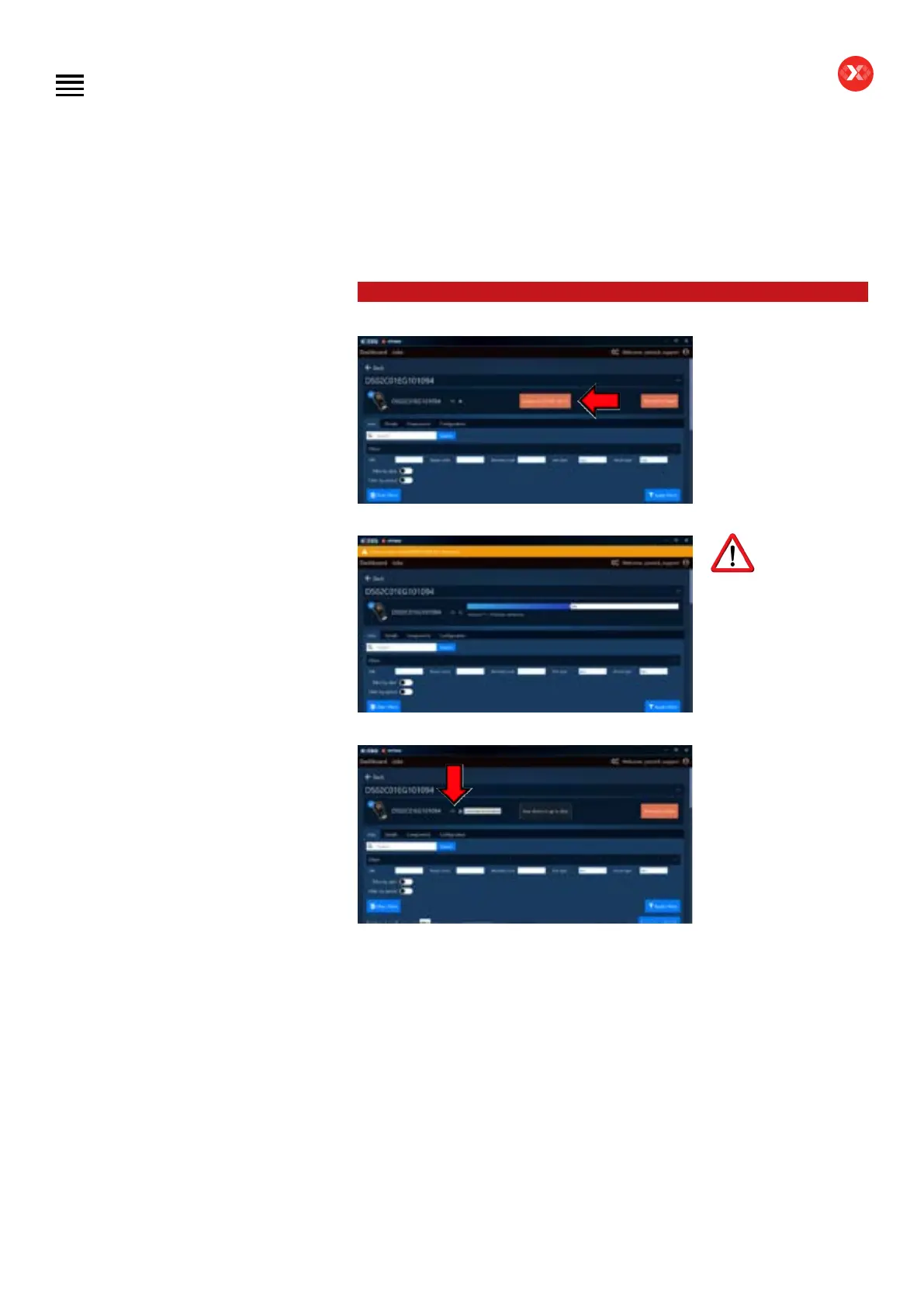
On the device dashboard
you can also update
by clicking on (Update
to D2AS*-**-** or/and
D2DS*-**-**).
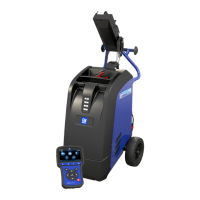
The update will
begin and the yellow bar
will appear signaling to not
disconnect the device during
this step. Be advised that the
bar will disappear for a few
seconds and reappear after,
as the DS One rst uploads
the software and then the
database.
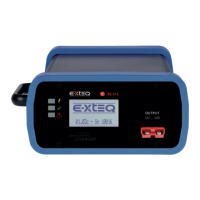
When the update is
nished, please click on
the eject button to be
able to get out of the
USB connecting mode.
Table of Contents
Introduction
Safety Guidelines
Maintenance and Storage
Before Use
Usage Precautions
Disassembly/Damage/Removal
Cleaning the Product
Information internal battery
Getting Started
Safety Reminders
Appearance and Dimensions
Presentation
Job Storage
Accessories
Best Practices
Positioning of the clamps
Connector longevity
Hybrid vehicles
Initial Setup
Power Cable Connection and Power On
Battery Cable Clamps Connection
Optimus
- Optimus installation
- Using Optimus
Update
Garage code (RRDI)
Settings
Preferences
WI-FI Connection
Other settings
Diagnostic PDI and REPAIR
Battery selection
- Using BK code
- Using VIN
Start Diagnostic
Other diagnostics
Results
Results storage
Support Information
Warranty
Technical specications


 To Next Page