3/40
E-XTEQ DS ONE User Manual / Ref. MAN_DSOne_STL_EN_V1.3
Introduction
ABOUT ////////
E-XTEQ is a battery diagnostic tool and equipment manufacturer with a broad
spectrum of knowledge and understanding of battery technology for Industrial, OEM
and Aftermarket Maintenance including EV/HEV applications.
Our mission is to be a passionate global leader of innovative measurement solutions
by providing premium testing equipment and unsurpassed services to our valued
customers and partners.
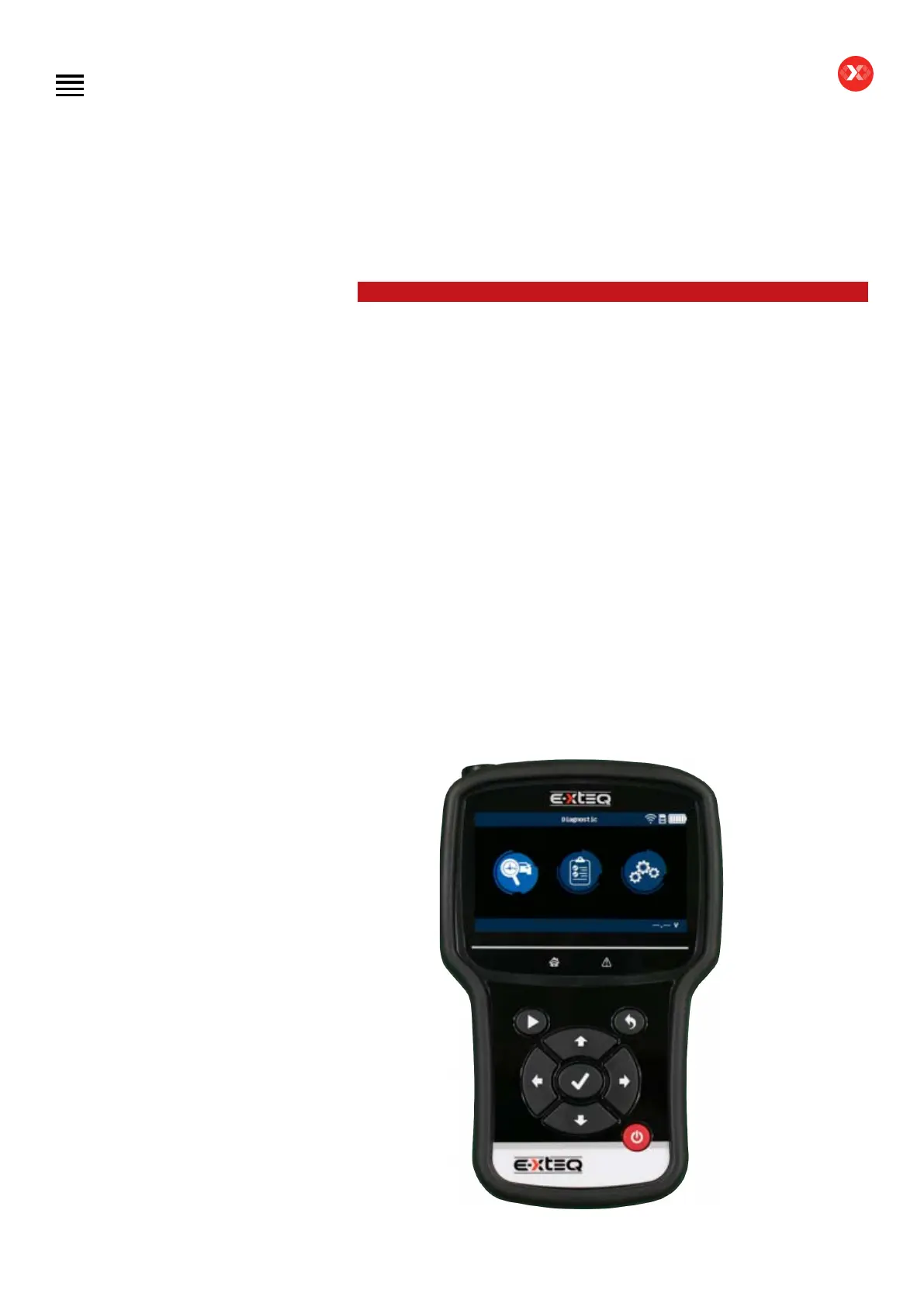
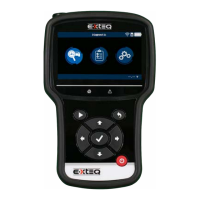
The DS One is a handheld tester, providing a customizable solution to diagnose 12V
lead batteries. The DS One is able to provide the State of charge (SOC) and State of
health (SOH) of a 12V lead battery whether on-board or outside the vehicle.
Its ergonomics and color interface, available in 32 languages, have been specially
designed for the after-market environment, and will allow the user to master the
equipment without any special training.
The integration of customers’ database simplies its use and the monitoring of the
procedures.
All the tests and results are stored in the device to guarantee complete traceability of
job history.
Different measuring devices, integrated or available as accessories (connected
through dedicated inputs), enable the DS One to provide additional information,
necessary for the vehicle diagnostic.
Table of Contents
Introduction
Safety Guidelines
Maintenance and Storage
Before Use
Usage Precautions
Disassembly/Damage/Removal
Cleaning the Product
Information internal battery
Getting Started
Safety Reminders
Appearance and Dimensions
Presentation
Job Storage
Accessories
Best Practices
Positioning of the clamps
Connector longevity
Hybrid vehicles
Initial Setup
Power Cable Connection and Power On
Battery Cable Clamps Connection
Optimus
- Optimus installation
- Using Optimus
Update
Garage code (RRDI)
Settings
Preferences
WI-FI Connection
Other settings
Diagnostic PDI and REPAIR
Battery selection
- Using BK code
- Using VIN
Start Diagnostic
Other diagnostics
Results
Results storage
Support Information
Warranty
Technical specications


 To Next Page