MF2E-E -B 2
- 13 -
5.3 . USER OPERATION
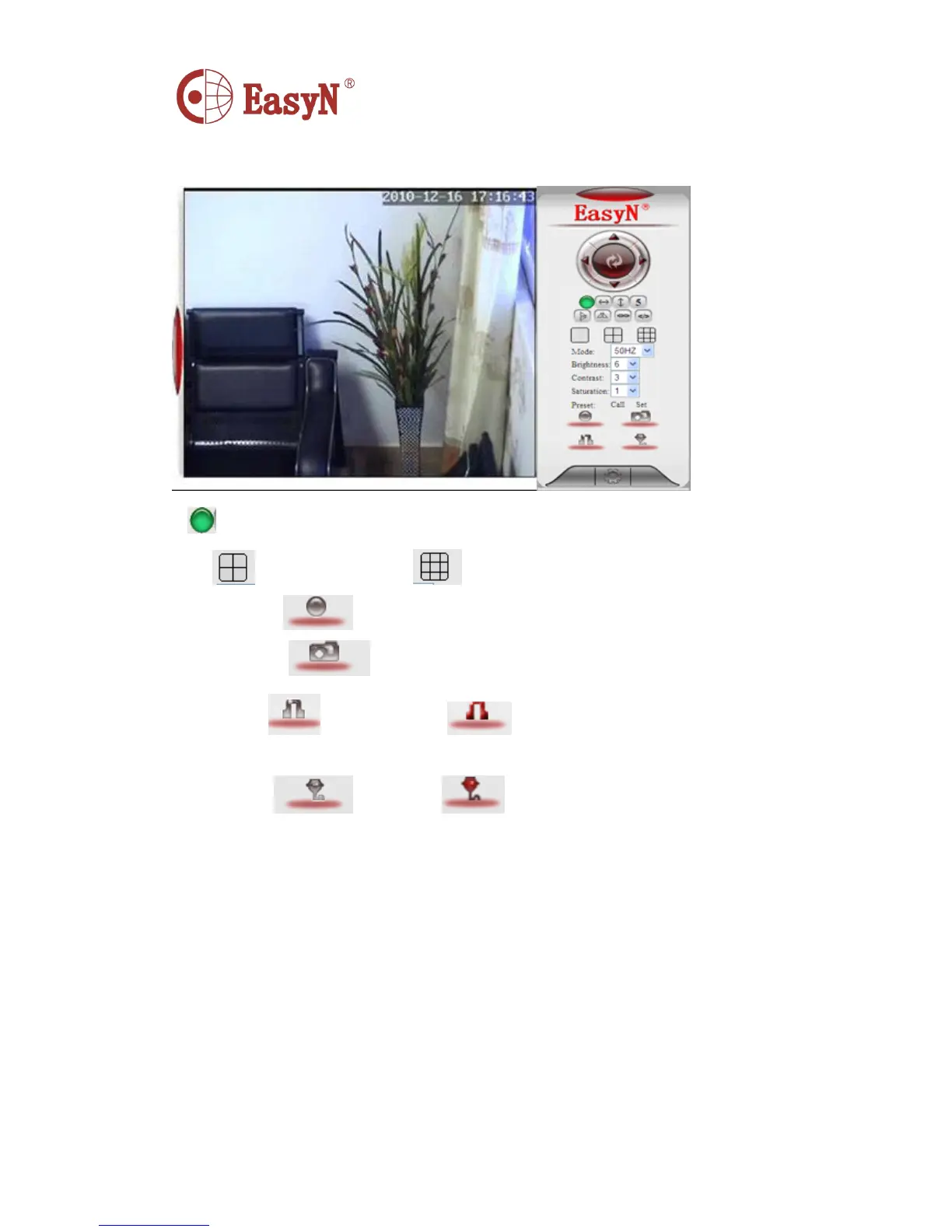
I f the pilot
is ,
it means the device is connecting network
C lick to 4-picture view; click to 9-picture view
R ecord: click to manually record
S napshot: click to snapshoot picture
L isten: click , it should turn , then speak to camera, the sound can
be heard from computer terminal, click again to close listen function
T alk: click , it turns , talk to camera ( through headset
connecting computer ) , then we can hear the talking around
camera . Click again
to close talk function.
5.4 . MULTIDEVICE CONFIGURATION
O n multi-device configuration page, we can see all devices in the LAN.
The first device is default device. We can add more devices listing in
the device list. It can support 9 pieces of devices on line at the same
time for embedded system. Click “ the second channel device ” then double
click on device option, name, host address and Http port of “ current LAN
devices list ” , the information will be auto wrote in, then correctly
input access user name and password then click “ add ” . Repeat that to
add more devices.



 To Next Page