MF2E-E -B 2
- 29 -
6.10. system
1. Save config
The current settings (the path of REC file ,the path of snapshot, OSD, time-sharing
record and so on),stored in the ini format configuration file.
2. Load config
Load the ini format configuration file.
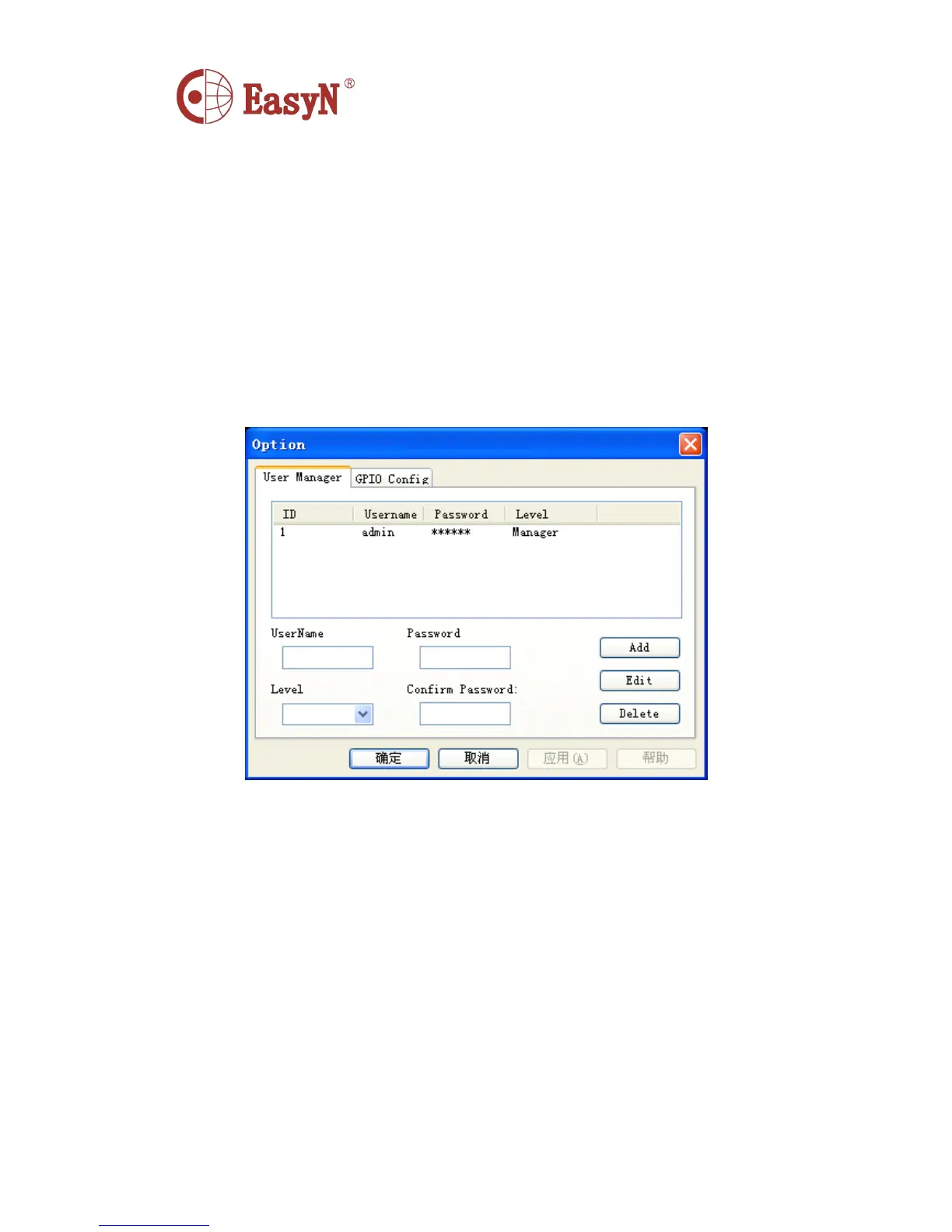
3. Option
Us er Manager:
Add,Delete,Edit Users
There are two kinds of purview: Manager , User



 To Next Page