MF2E-E -B 2
- 67 -
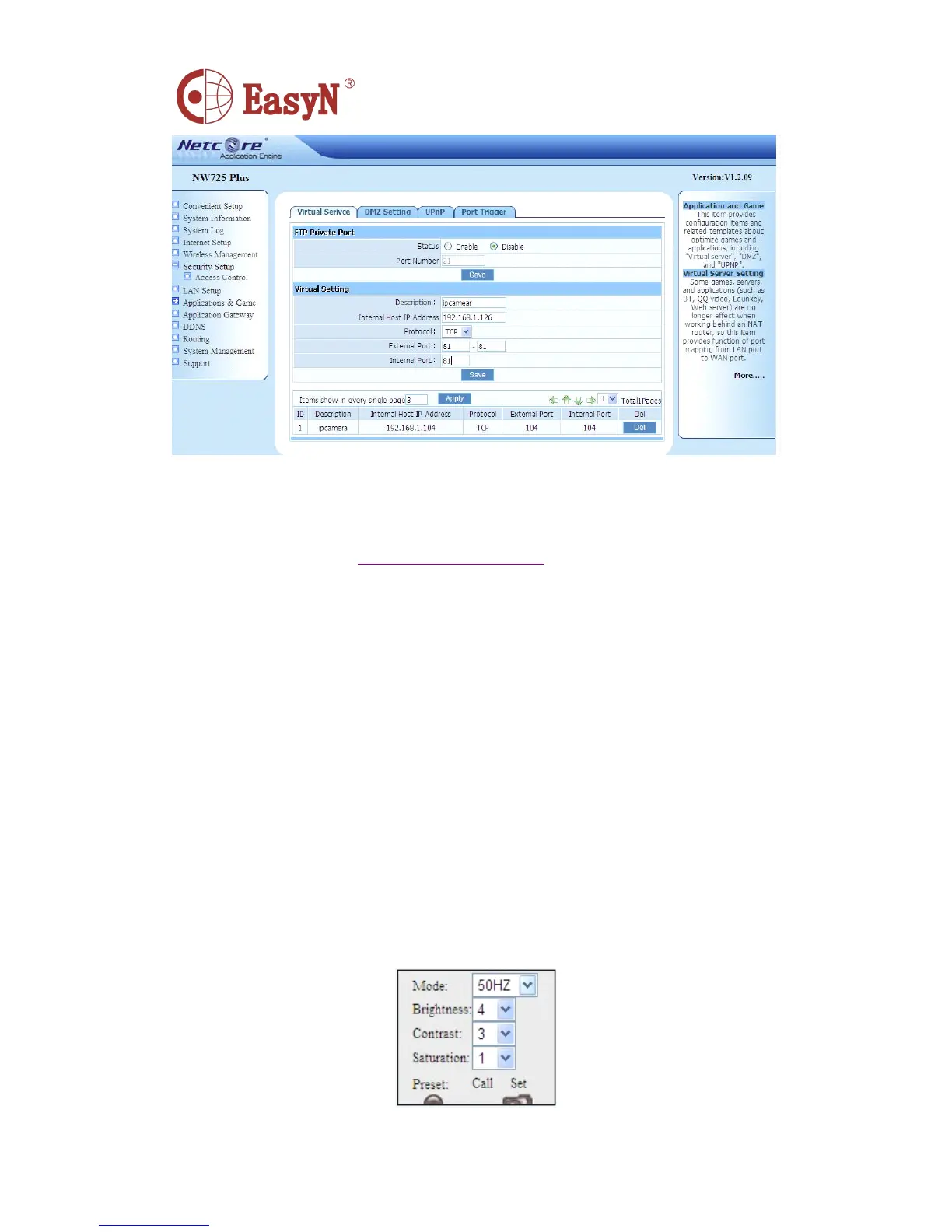
N otice: for more IP Camera devices , it needs to set port forwarding for each one
,
and as distinguishable , we should set different IP and port for each device. I f
the port is not 80 , we should access device by adding a “ : ” and device port behind
the IP address, such as: http://219.134.170.92:81
8.
8.
8.
8. APPENDIX
APPENDIX
APPENDIX
APPENDIX
8.1. FAMILIAR PROBLEM
�
�
�
� W
W
W
W hat
hat
hat
hat could
could
could
could we
we
we
we do
do
do
do when
when
when
when forgot
forgot
forgot
forgot the
the
the
the login
login
login
login password?
password?
password?
password?
O n power condition , press reset button ( on the device bottom ) till 10 seconds
,
then device is set to factory settings , including administrator user and password .
D efault user : admin
admin
admin
admin
D efault password : no password
�
�
�
� W hat could we do when the view screen is white?
P lease adjust video parameters of camera ( mode, brightness, contrast,
saturation , etc. ) .



 To Next Page