MF2E-E -B 2
- 66 -
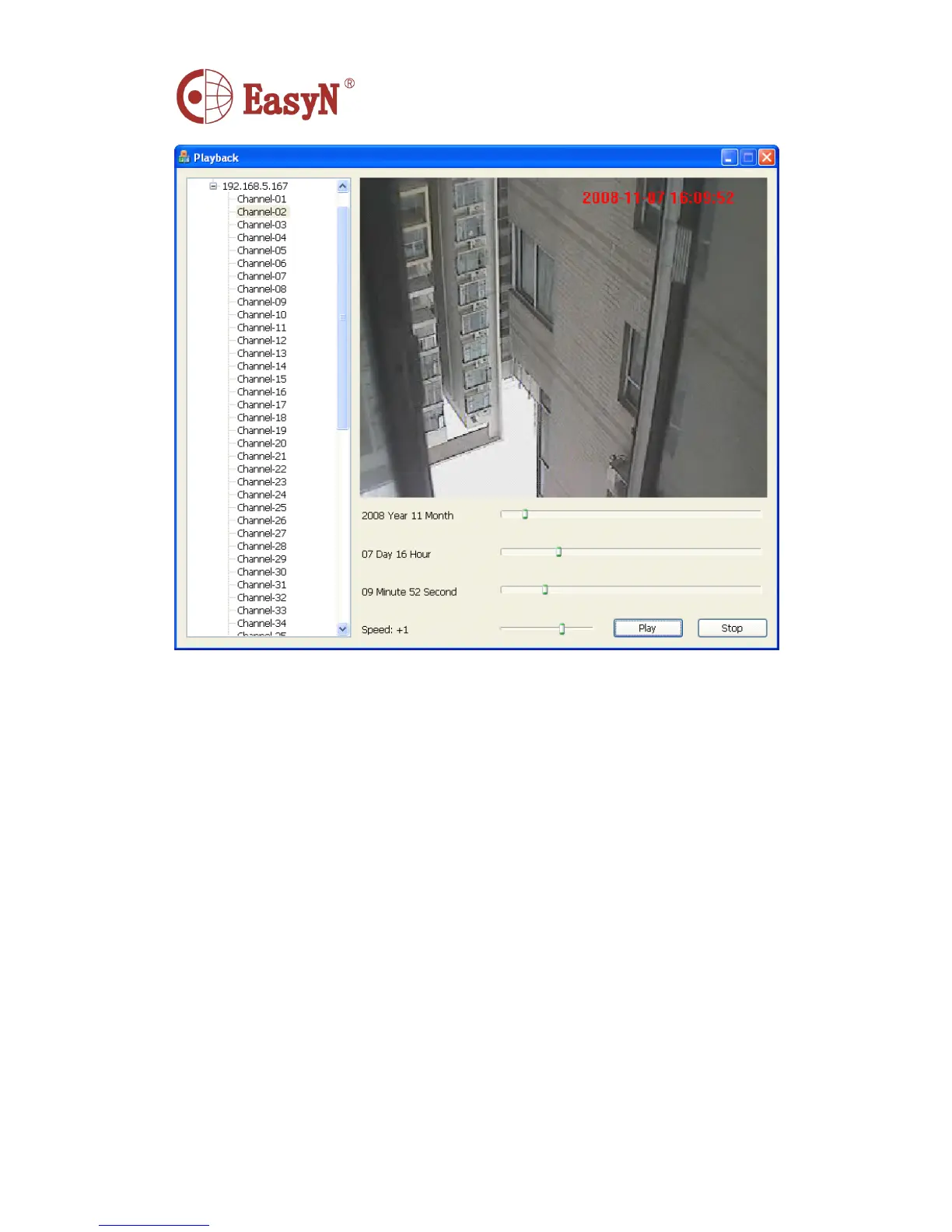
① User need to choose a channel then playback the record file which is close to the schedule
② It can jump play by hold down and drag the schedule over the operation
7.
7.
7.
7. PORT
PORT
PORT
PORT FORWARDING
FORWARDING
FORWARDING
FORWARDING
A ccording to picture 3, we can access camera-1 through computer -1 , in order to enable
computers in internet( such as computer-2, computer-3 ) to access camera-1 , it need to
set the camera exposing in internet through configuring port forwarding in router-1
to set the camera to be available to access internet.
A ccess router configuration interface through computer -1 , for different model of
router it has different interfaces. H ence the configuration ways are some different,
please refer to router ’ s manual. F or most routers , we can find option as virtual
server settings , input camera-1 IP address and port. A s below:



 To Next Page