MF2E-E -B 2
- 15 -
P
P
P
P icture
icture
icture
icture 9-
9-
9-
9- 9-picture
9-picture
9-picture
9-picture
5.5 . NETWORK CONFIGURATION
�
�
�
� BASIC
BASIC
BASIC
BASIC NETWORK
NETWORK
NETWORK
NETWORK CONFIGURATION
CONFIGURATION
CONFIGURATION
CONFIGURATION
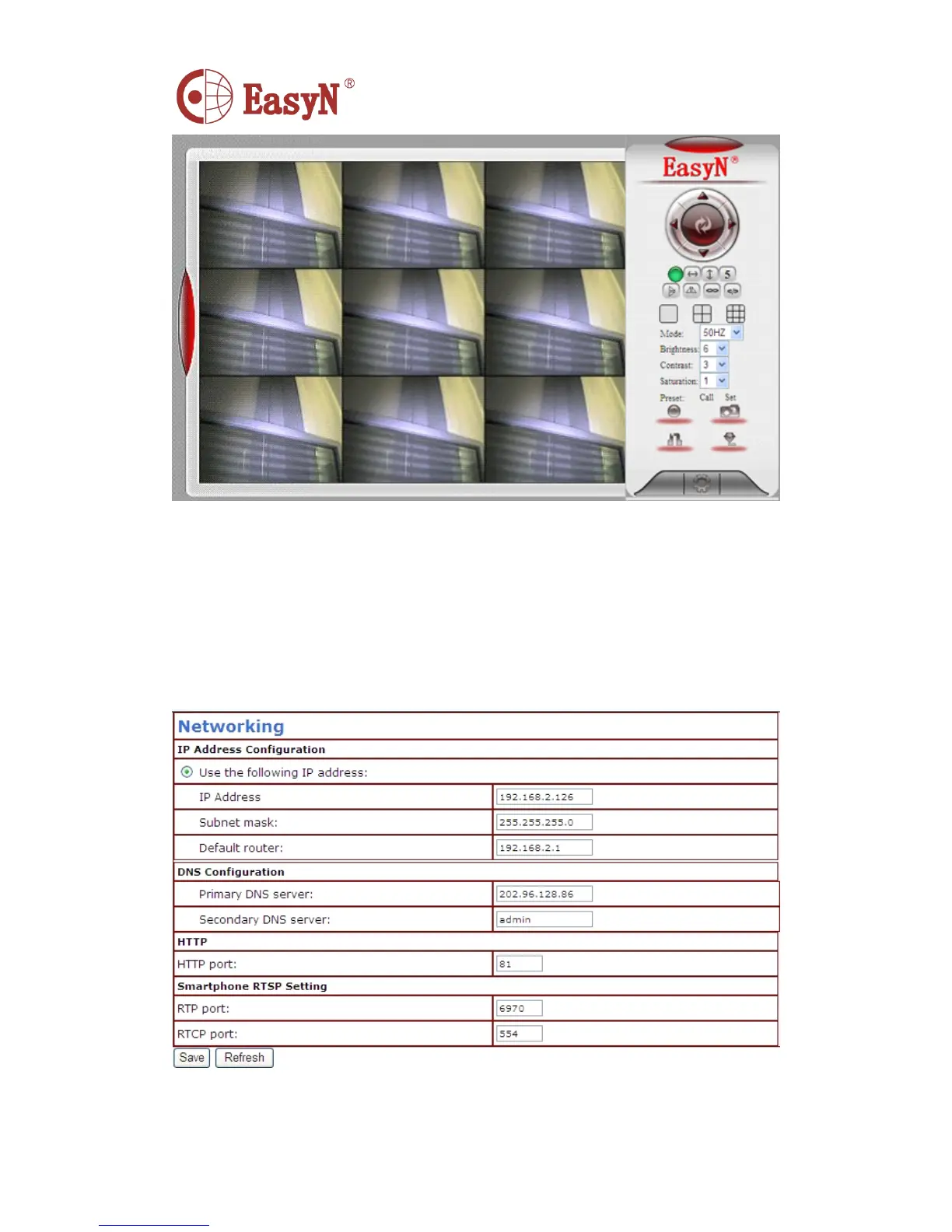
IP address configuration: manually modify
IP,
mask, gateway, DNS, etc.
Http port: normally, the default port is 81. If the internet provider block
the port, we can set others(range: from 0 to 65535 ) , such as 8080 , 85
,
8888, etc.
P icture 10- network configuration
�
�
�
� WIFI
WIFI
WIFI
WIFI CONFIGURATION
CONFIGURATION
CONFIGURATION
CONFIGURATION



 To Next Page