MF2E-E -B 2
- 43 -
6.13. Camera Setting
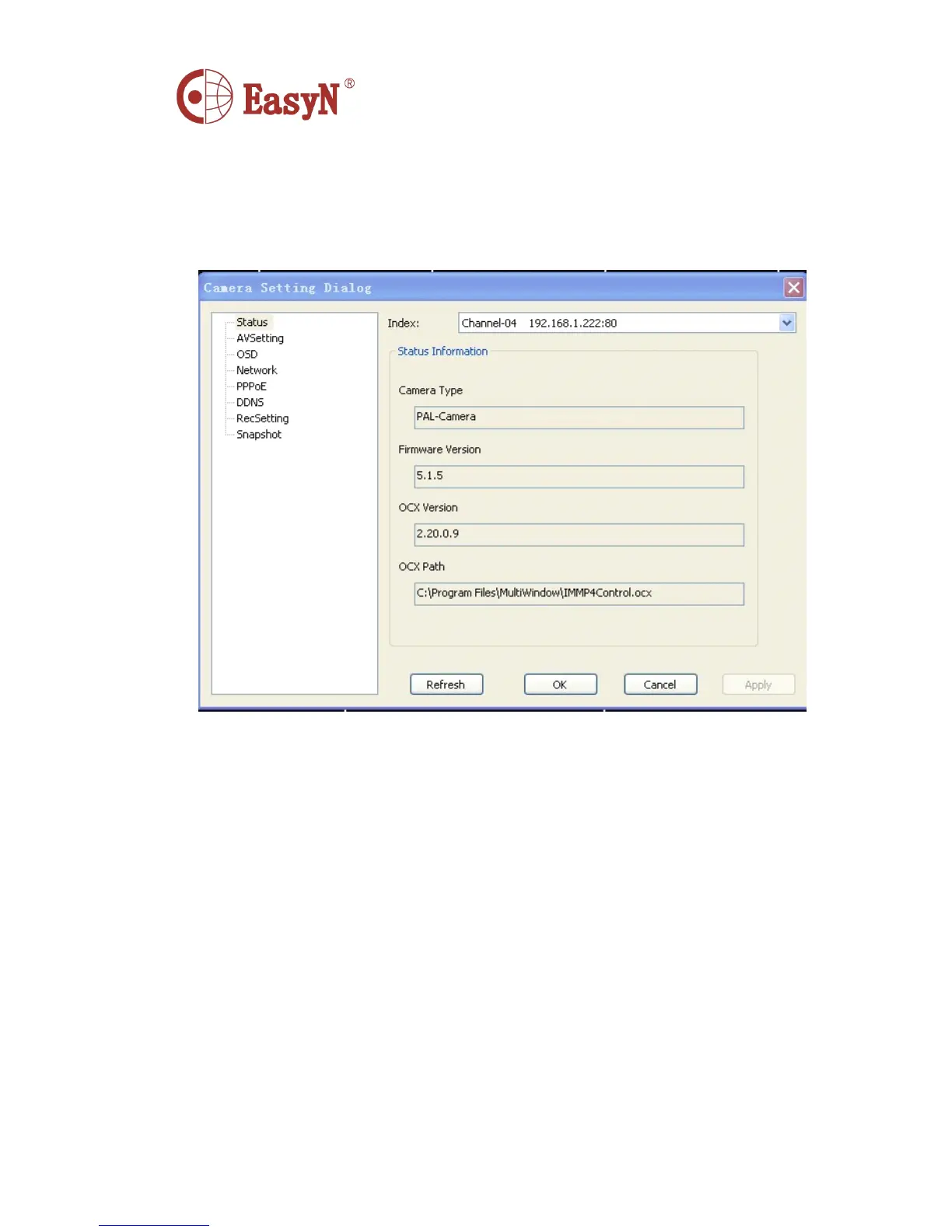
1. Status
In this interface,you can see the camera,ocx control,and other basic info
Index : The number of the window
Camera Type : The type of the camera
Firmware Version : The current version of the firmware.When the need to
determine whether or not to upgrade need to check this.Under
normal circumstances,not only through firmware upgrades can
be correted BUG, and sometimes will provide more new
functions.
OCX Version : Control the current version.
OCX Path : Control installation path



 To Next Page