MF2E-E -B 2
- 48 -
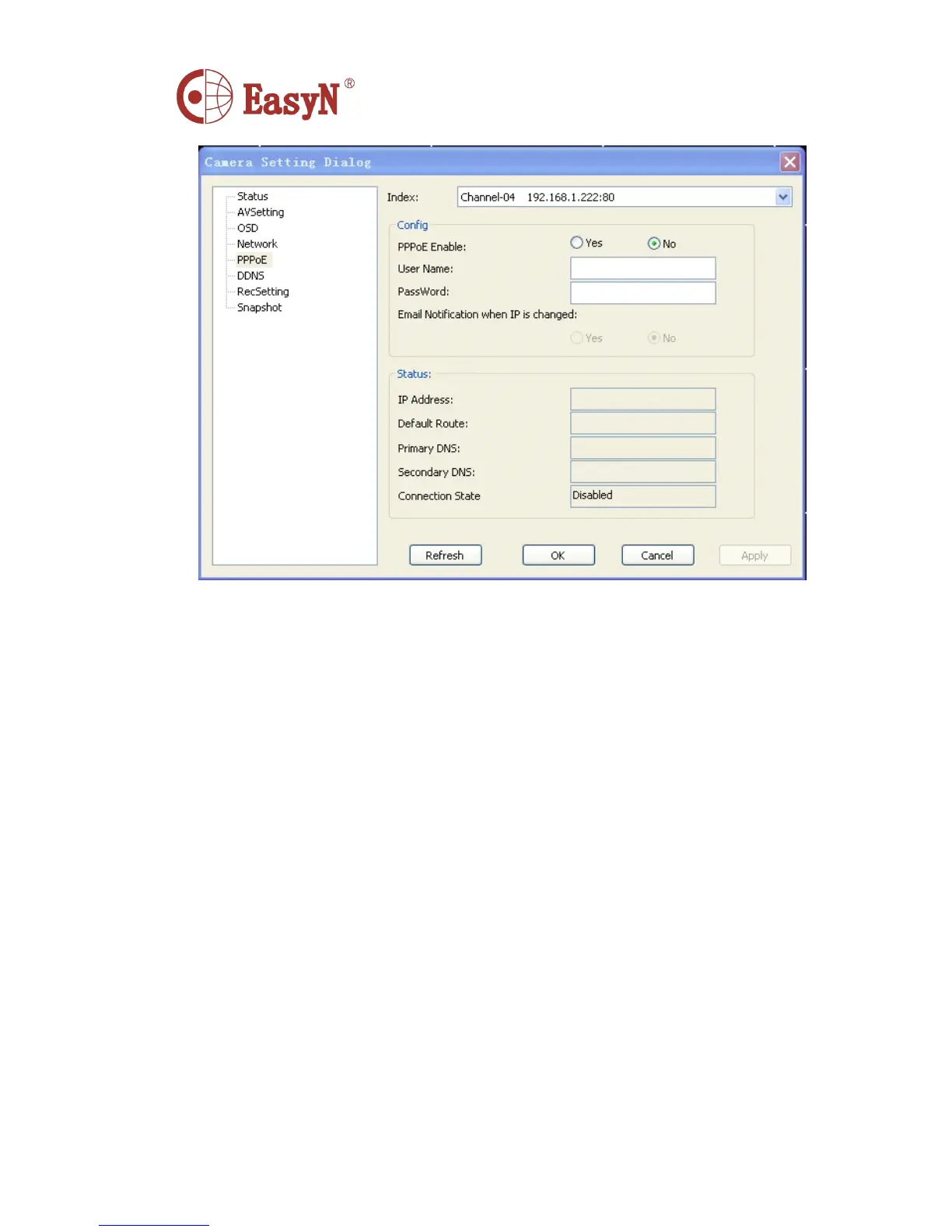
Index : The number of the window
Config :
PPPoE Enable : PPPoE switch
User Name : Input the account provided by ISP
Password : Input the password provided by ISP 。
Email Notification when IP is changed: While the ip address changed,whether Email notify
users or not.
Status : When the connection is successful,we can see the Ip addres,DNS,connection status and
other information provided by ISP in this area.
6. DDNS
In this function can set DNS services.if you need to use the DDNS services,you must register on
the DDNS Server witch provided by us freely,otherwise you cann ’ t use it.
Y
ou can see about the
related information on our website.



 To Next Page