MF2E-E -B 2
- 52 -
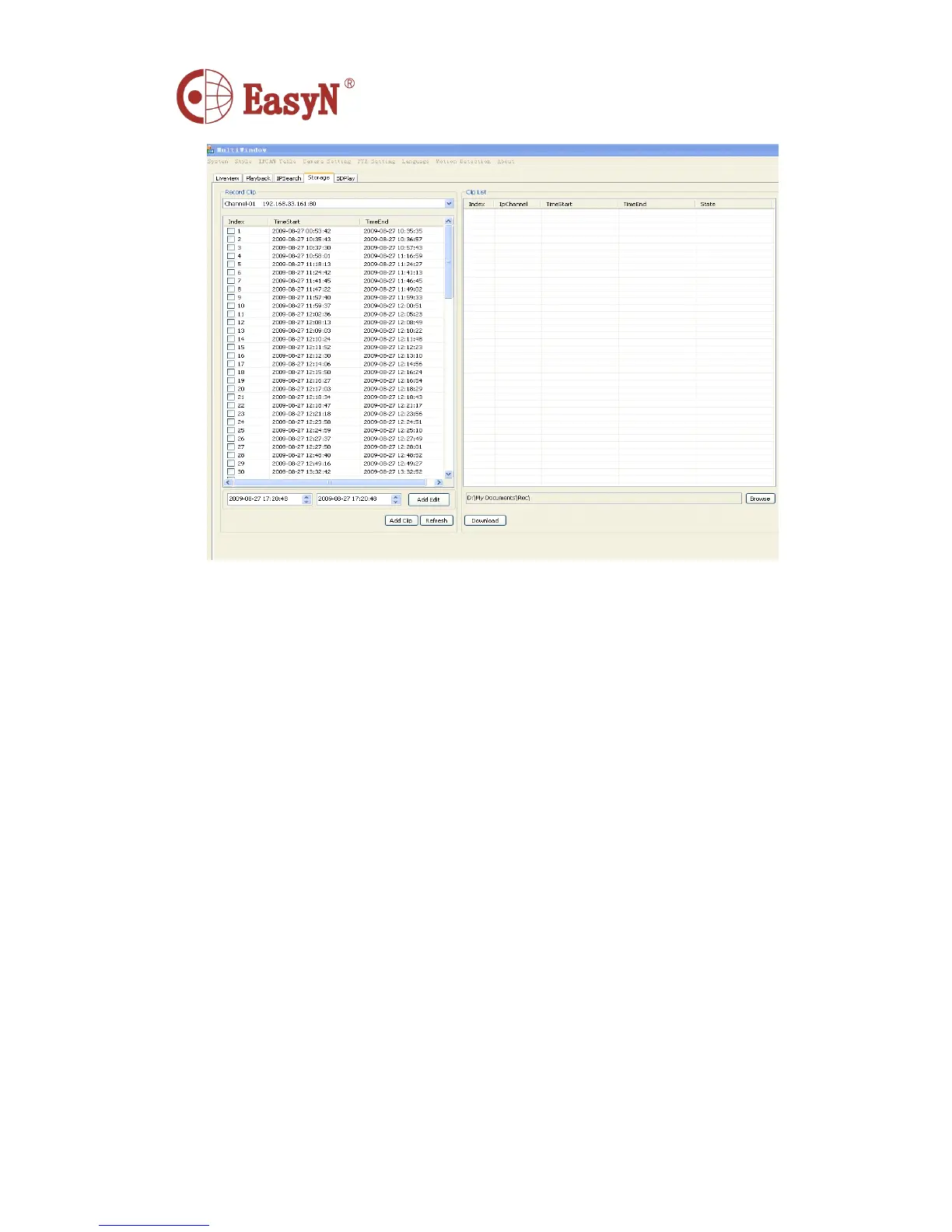
Record Clip : SD card storage, the video window.
Index : Sequence of video files.
Add Edit : Adding a certain period of time to download video files.
Add clip : Select multiple video files to download.
Refresh : Refresh.
Browse : Choose to download video files stored path.
Download: Video file downloads. (Note: The downloaded file will show the
progress)
Clip List : Manage downloaded video files.
Index : Download the file order.
InChannel : Display the downloaded video file window.
TimeStart,TimeEnd : Download video start and end time
State : The progress of video files to download.
10.
10.
10.
10. SDPlay
SDPlay
SDPlay
SDPlay
Using the card reader read SD card playback.



 To Next Page