MF2E-E -B 2
- 54 -
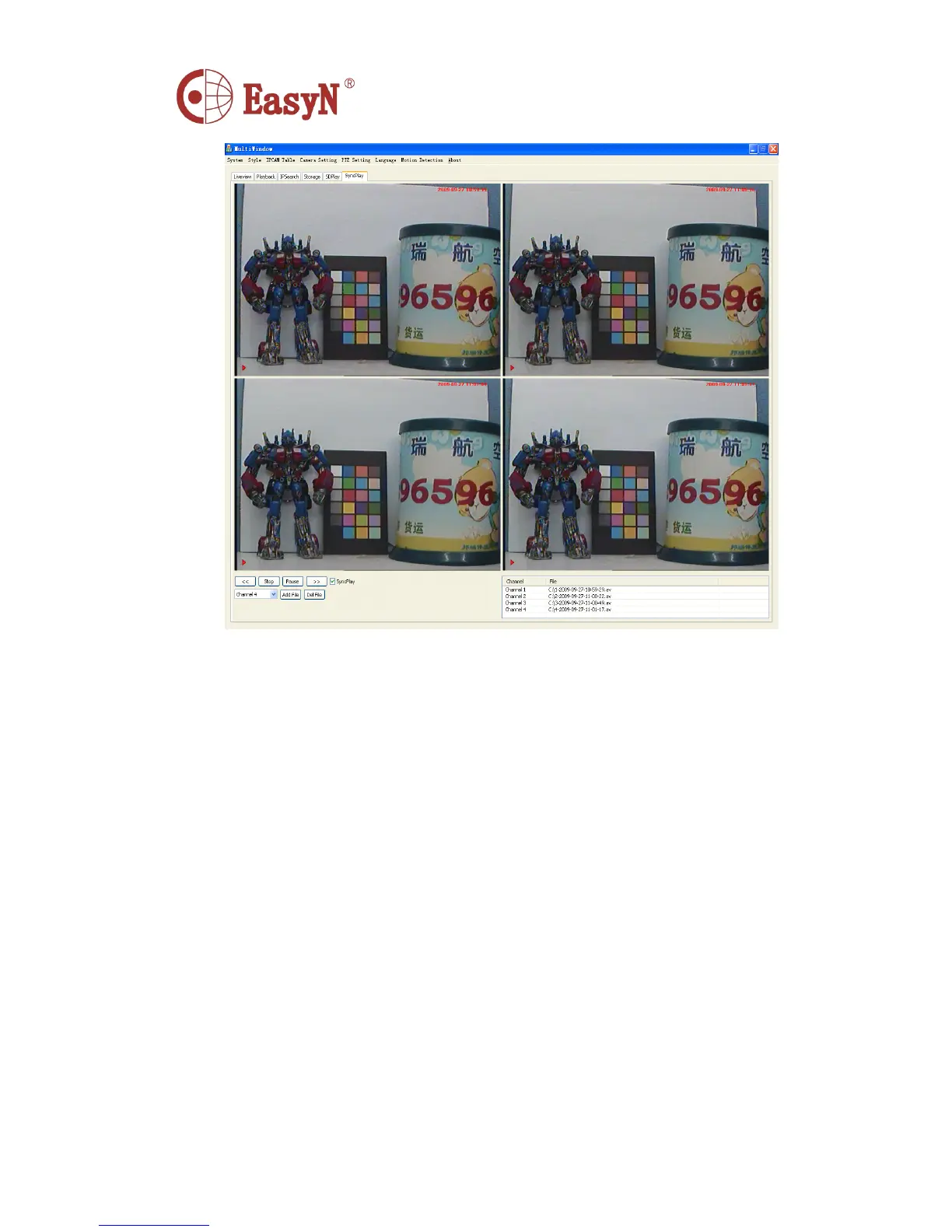
Play button: Click on the file for playback.
Stop button: Click to stop file playback.
Pause button: Click to pause play the file.
“ 《 , 》 ” button : P lay the file rewind, fast-forward.
Add File: Adding Windows files
NOTE:
You
can also add four windows file playback.
Del File: Delete Windows files
Syncplay: Select "Syncplay" when the four windows can
simultaneously playback; do not choose to "Syncplay" when the four windows can be
synchronized playback.
12.
12.
12.
12. Nas
Nas
Nas
Nas Network
Network
Network
Network



 To Next Page