MF2E-E -B 2
- 56 -
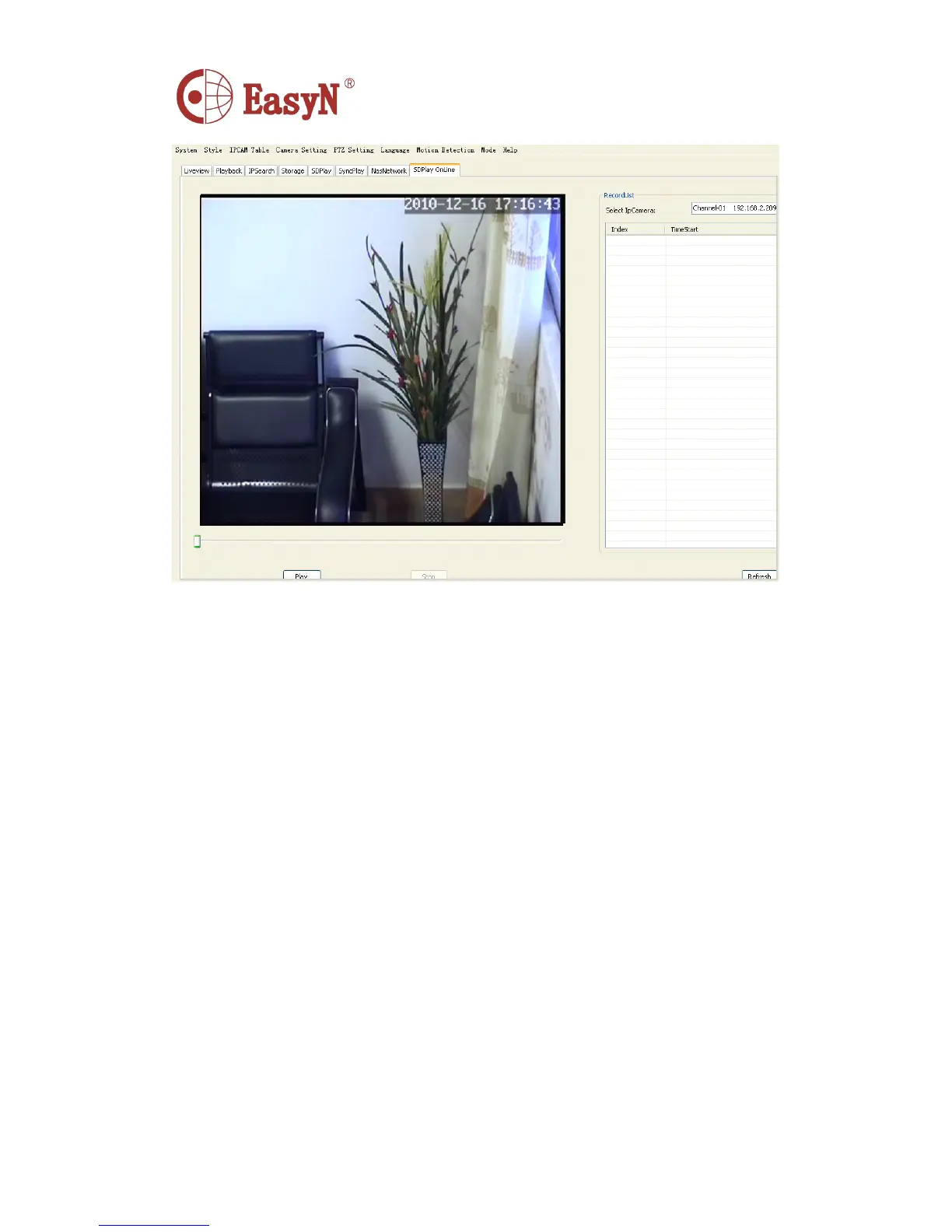
MJPG SD Card: MJPG Ipcam SD card device window
IP drop-down list select the PC's SD card inserted, the left will list the video card list all the
video events, including the channel, start time, end time;
Left double-click the video event, the right side of the screen to a video broadcast of this event.
Right Double-click the video event that will download the video, download the complete
path will be in the lower right corner displays the list of downloaded video.
Or in the bottom left of the edit channel, start time, end time, and then point the play button or
download button to play or download.
Left double-click the downloaded videos will play the downloaded video.
Click the Browse button to change the download directory path.



 To Next Page