9
PROGRAMMING
Entering the Program Mode
Note: If the optional relay output and/or analog output board(s) are installed
in the DPM, entering the program mode will cause both relays to turn off and
the analog output to go to its minimum values (0V and 4 mA) regardless of
the input signal value.
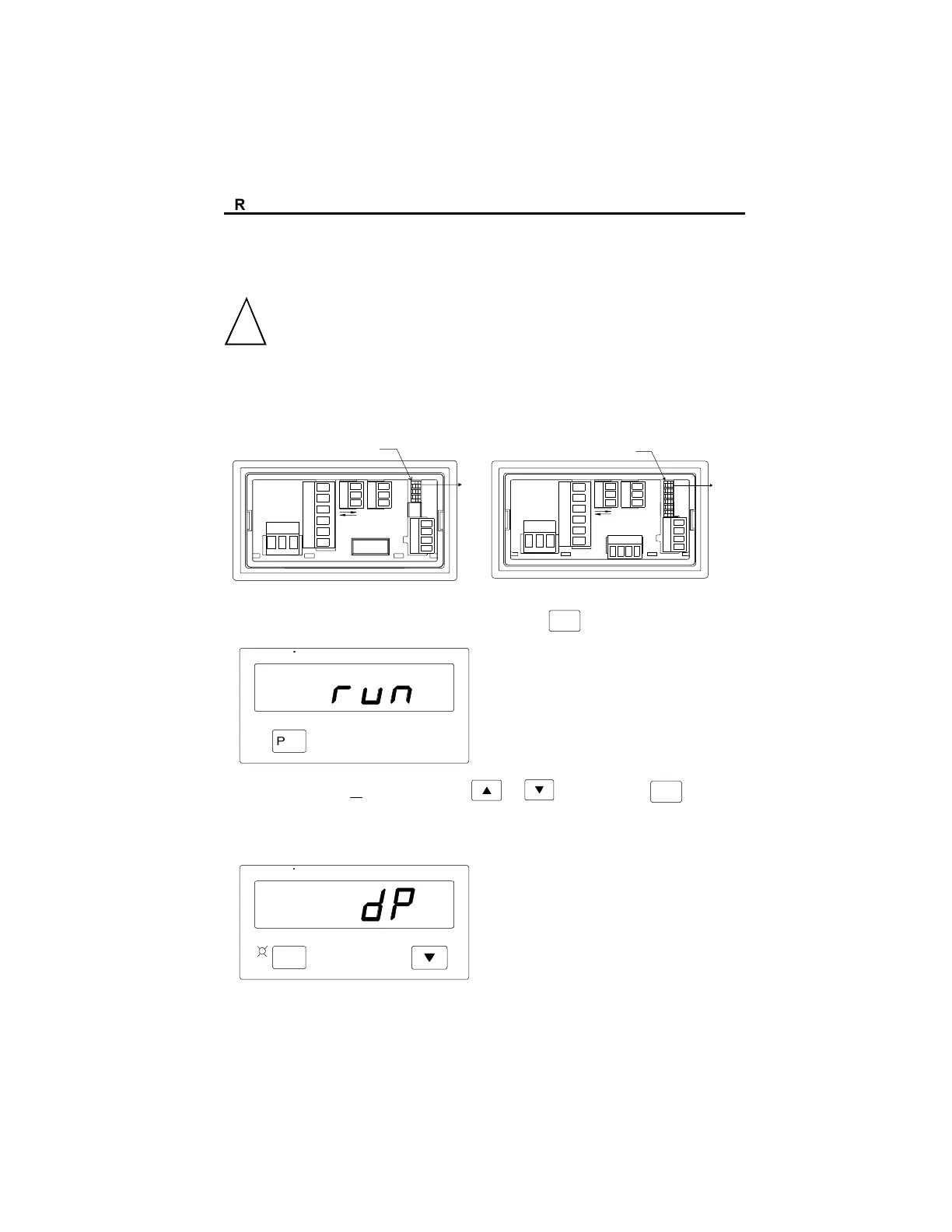
To enter the program mode:
1. Flip the rear terminal program enable DIP Switch ON.
Durant
®
3X DIP SWITCH
#3
ON
1
1
1
11
1
5A AC / PROCESS
Durant
®
6X DIP SWITCH
#6
ON
1
1
1
1
1
1
AC/DC VOLTS, AC/DC CURRENT
2. Press and hold the front panel program key (
PGM
); the display will say run:
Durant
PGM
3. Press the up or down arrow key or while holding (
PGM
); the pro-
gram LED will turn ON and the display will show a parameter name.
PGM
Durant
PROGRAMMING
!



 To Next Page
 Loading...