-5-
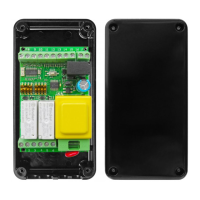
START-S1XL
Operating Guide
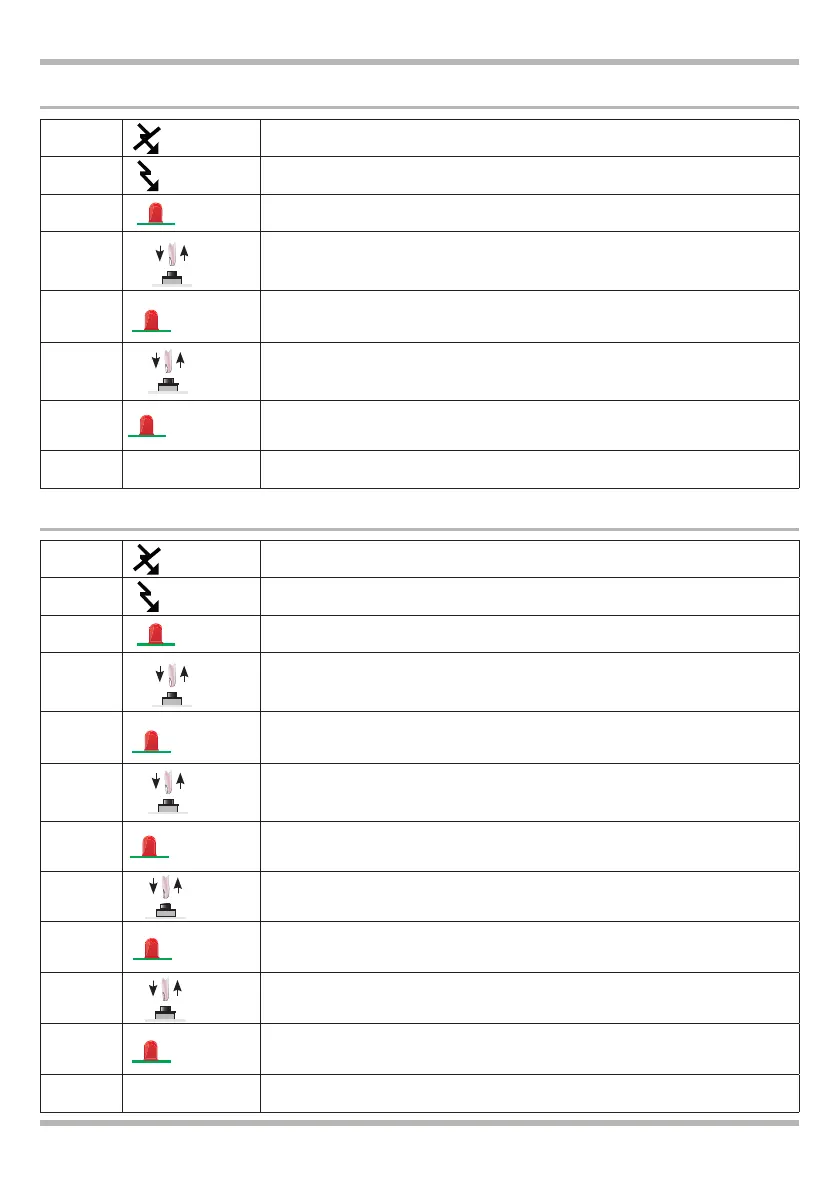
1 Turnoffthecontrolunit,takeoutthe230Vtension.
2 ConnectthecontrolunitSTARTS1XLafterawhileagain
3 The LED L1 remains lit. Within 5 seconds:
4 Press and release the button P1
5 LED L1ashesblinkthenitliton:
6 Press and release the button P1 in 5 seconds
7
LED L1ashestwicethenitliton,
“MAN PRESENT” version activated.
8 Wait LED L1turnsnormalashes
LED L1
lit
P1
LED L1
1 ashes
230 Vac
P1
LED L1
2 ashes
MAN PRESENT version
1 Turnoffthecontrolunit,takeoutthe230Vtension.
2 ConnectthecontrolunitSTARTS1XLafterawhileagain
3 The LED L1 remains lit. Within 5 seconds:
4 Press and release the button P1
5 LED L1ashesblinkthenitliton:
6 Press and release the button P1 in 5 seconds
7 LED L1ashestwicethenitliton:
8 Press and release the button P1 in 5 seconds
9 LED L1ashesthreetimesthenitliton:
10 Press and release the button P1 in 5 seconds
11
LED L1ashesfourtimesthenitliton:
CENTRAL OPEN/CLOSE version activated.
12 Wait LED L1turnsnormalashes
LED L1
lit
P1
LED L1
1 ashes
230 Vac
P1
LED L1
2 ashes
CENTRAL OPEN / CLOSE version
LED L1
4
ashes
P1
LED L1
3 ashes
P1


 To Next Page
 Loading...