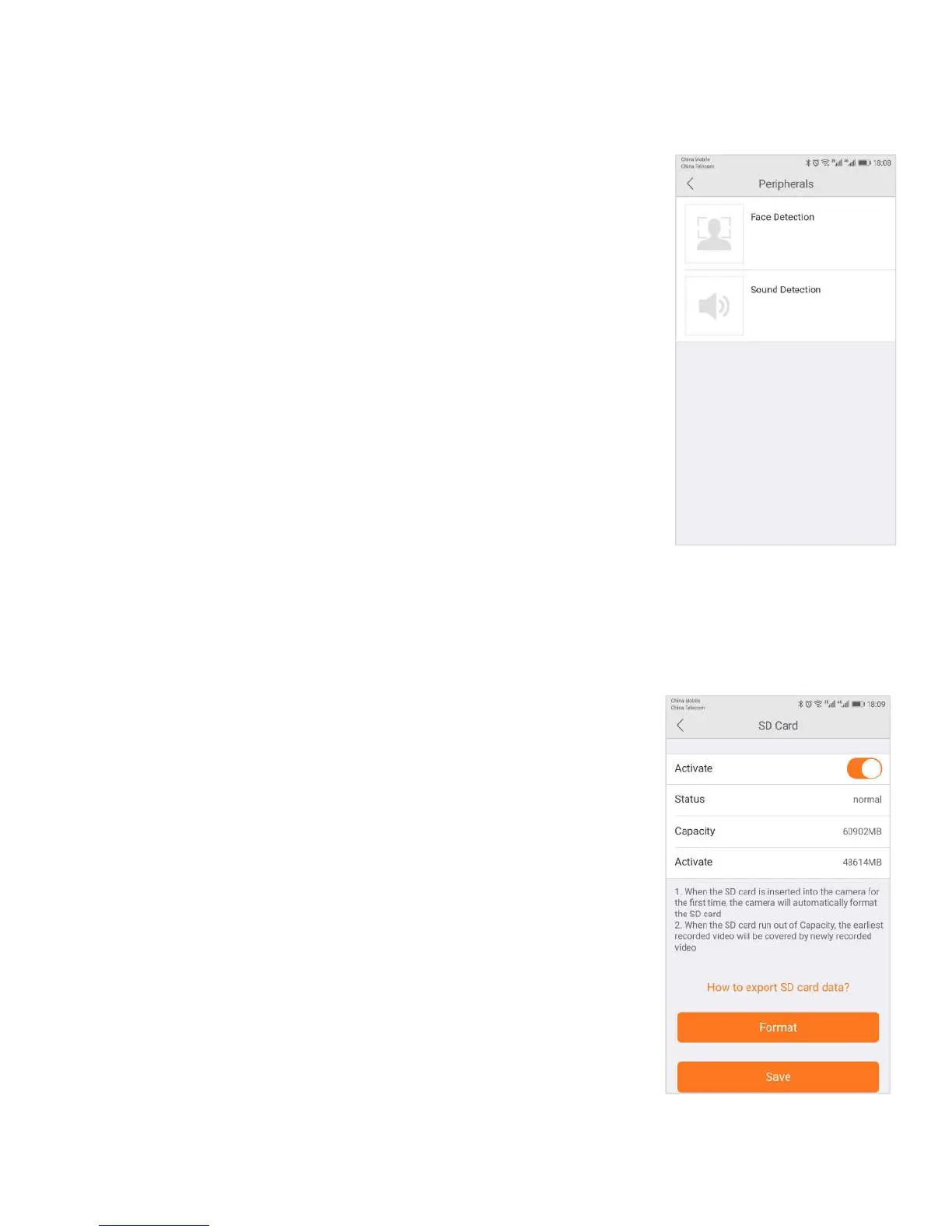
3.6.8 Accessory
The cameras can detect motion in the viewing areas and can as a result of that
detection, take a snapshot, record a video, trigger an alert, etc.
The Accessory tab offers two options to configure what the camera should do if and
when motion is detected in the covered area:
Select the Motion Detection tab to determine how sensitive the camera is when
it comes to sensing motion. You can change the sensitivity settings for day and
night operation separately to improve motion detection.
The Add Accessory is for external devices connected to the camera. This setting
will only occur if the camera has RF peripheral functions.
The SD Card section indicates whether you have an SD card in the camera
and whether it is enabled.
● To use the SD card, place it into the slot on the back of the
● If the camera does not recognize the SD card, remove the card
and unplug the camera. Put in the SD card and then plug in the
camera. The camera will reboot, and then it should be recognized.
Note: It is always recommended that you format the card after


 To Next Page