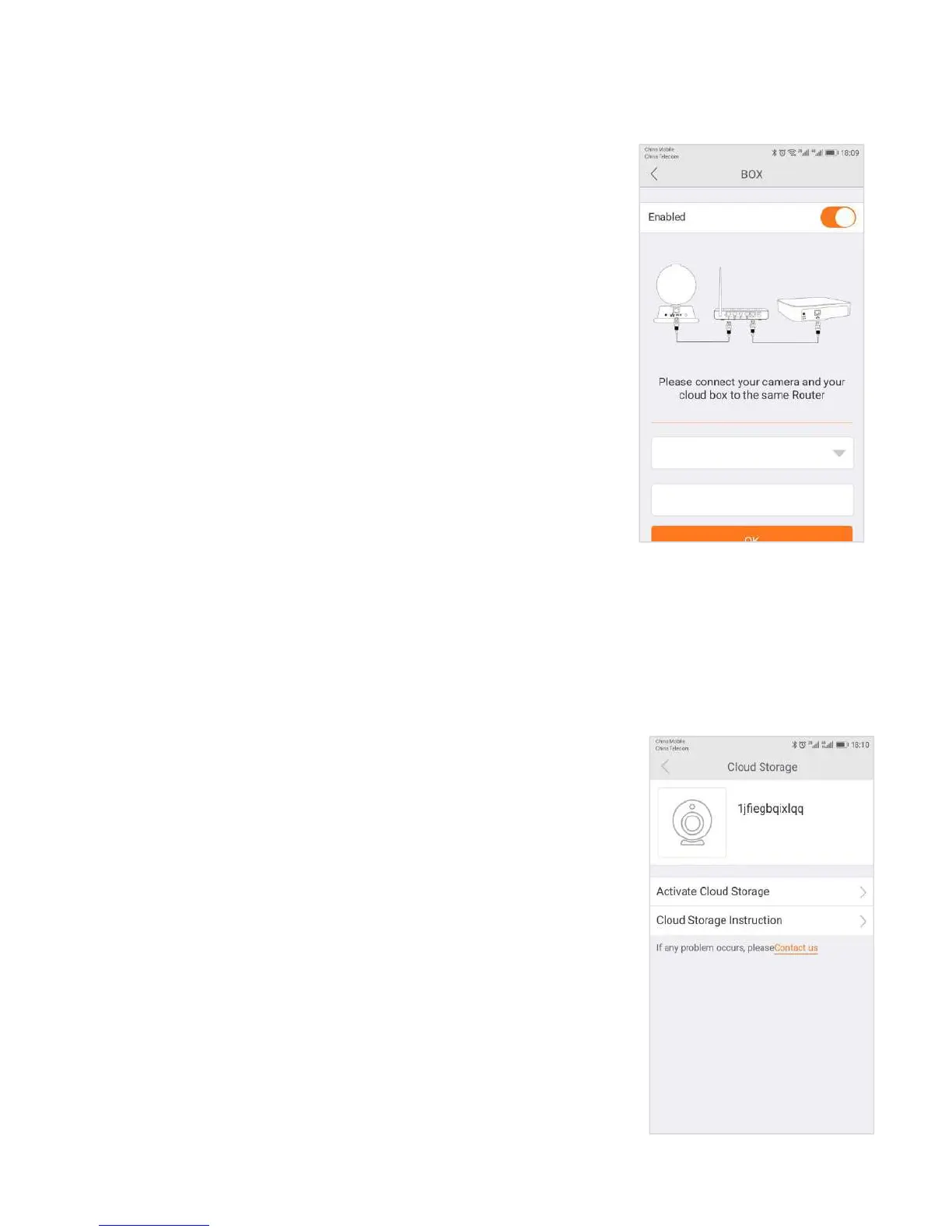
3.6.10 Recording Device
Using the Recording Device option, you can introduce another element of
The Recording Device , the Cloud Box. The Cloud Box is an ideal DIY
(Do It Yourself ) security solution for homes and small businesses that
require the recording of many hours of continuous video.
To use a Cloud Box, you must first connect the Cloud Box to the same
network where one or more cameras are connected. Once you have
confirmed that the Cloud Box is connected, you need to enter the
Cloud Box ID and password and enable its use in the Recording Device tab.
The cloud storage function is a video storage function developed by wireless ip
cameras based on moving object detection technology.
When a camera detects moving events such as someone walked and objects were
moved, the camera will automatically start to record,and highly encrypted upload
to the cloud. At the same time effectively avoiding the loss of key evidence
caused by human destruction, SD card damage, you can feel at ease.


 To Next Page