20111028#4.2 EBS Ink-Jet Systeme
EN
11
EN
Otherwise, the printer may stop work-
ing or the printer operation time after
recharging may shorten dramatically.
!
The battery is not replaceable as
standard.
When the battery is charged, the
printer cannot communicate with the
computer but the printer can be used
for printing at that time.
Low-battery Indicator
F
ON/OFF
PRINT
POWER ERRORCHARGE
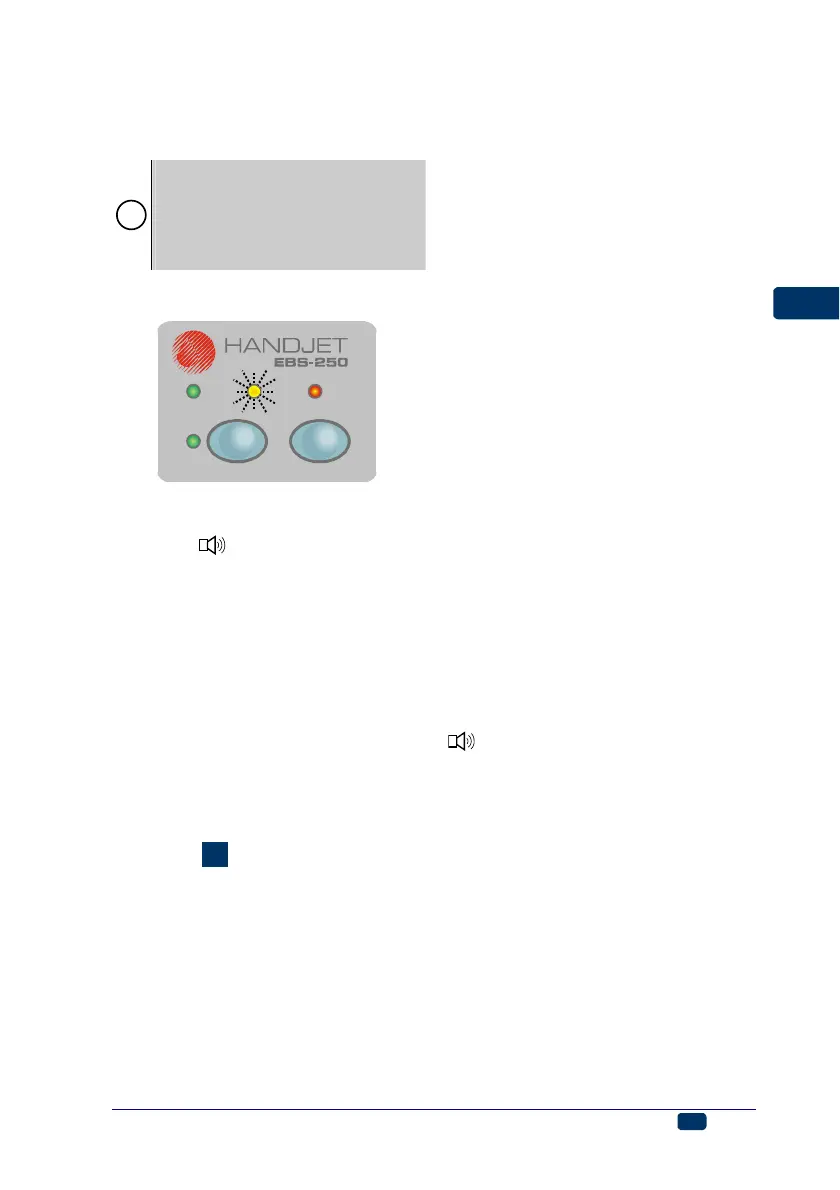
The printer indicates the low-battery
condition with a buzzing signal from
buzzer 32 and flashing lamp 21:
6 Short-time, regular flashes mean
that the battery is almost dis-
charged, the printer can still be op-
erated,
6 Uniform blinking means that the
battery is almost completely dis-
charged. In this condition any further
operation may be discontinued be-
cause the printer can switch off
automatically. Recharge the battery.
Installing and Replacing Ink
Container
See figure
E
.
Installing Ink Container in the
Printer
Every ink container is equipped with a
transponder that stores the informa-
tion on the type of ink and its date of
manufacture. The printer has a built-in
circuit that scans the data from trans-
ponder and thereby it helps check
whether the ink used is of the proper
quality.
When the printer is delivered, the ink
container is detached. Follow the
steps below in order to install the
container:
1. Remove the container from pack-
ing 10.
2. Position the container in relation
to the back of the printer so that
three bayonets 30 of the con-
tainer aim at guide holes of the
container connector. At that mo-
ment arrow 12 indicates the
OPEN position.
3. Insert bayonets 30 into the guide
holes and while pressing the con-
tainer against the printer turn it
clockwise, so that arrow 12 is in
the CLOSE position.
When the printer is switched on for
the first time after installation of a
container, the container is reviewed
for about 10 seconds (lamp 16 flickers
while this operation is being per-
formed). Neither can the printer be
operated nor can it communicate with
a computer over that period. The
approval of the container is signalled
with lamps 16 and 17 which flicker
three times and with audible signal 32
. If the container is not approved,
then after the PRINT ON/OFF key 18
has been pressed, lamp ERROR 20
flickers. Another container needs to
be installed in such a case.
How to Check Whether There is
any Ink in Ink Container?
When the printer stops printing make
sure that there is no ink in the con-
tainer. You can assess the ink level in
the container in two ways:
1. Weigh the printer on installing a
new container - write down the
weight. When the container is
empty, the weight of the printer is
smaller by about 83 grams.



 To Next Page