22
EN
EBS Ink-Jet Systeme 20111028#4.2
EN
How to create and edit a graph-
ics file for printing?
The graphics (bitmap) editor enables
a user to create and edit drawings
which can then be inserted into texts
to be printed.
The graphics editor can be called up
with the key on the toolbar (see
figure
F
).
The window where graphics can be
created/edited consists of dots and
enables a user to generate graphics
with a maximum height of 16 dots and
length of 60 dots.
Description of functions performed by
the bitmap editor keys:
- to insert bitmap into text file
being edited,
- to delete drawing being
edited,
- to select draw
mode.
How to Modify Print Parameters
Character Resolution
This parameter defines resolution (a
number of rows/metre) of a text to be
printed. The visual effect of any
change in the Text width parameter
is a change in the character width and
in consequence, in the length of the
entire text.
The settings of the parameter can
vary between 5 and 4000 with the
increment of 1.
!
The settings of the Text width print
parameter are restricted not only by
the above mentioned range limits.
The current setting is controlled by
the printer control program and can
be further reduced according to the
settings of other print parameters.
Any attempt to set too high a print
rate is automatically rejected.
Intensity of Ink Drops
This parameter impacts on the vol-
ume of every ink drop jetted out of the
print head. If you increase intensity,
you make the diameter of drops and
colour saturation in the print increase.
The settings of the Dot size parame-
ter range from 0 to 10 with the inter-
val of 1.
!
Any increase in intensity setting
increases ink consumption.
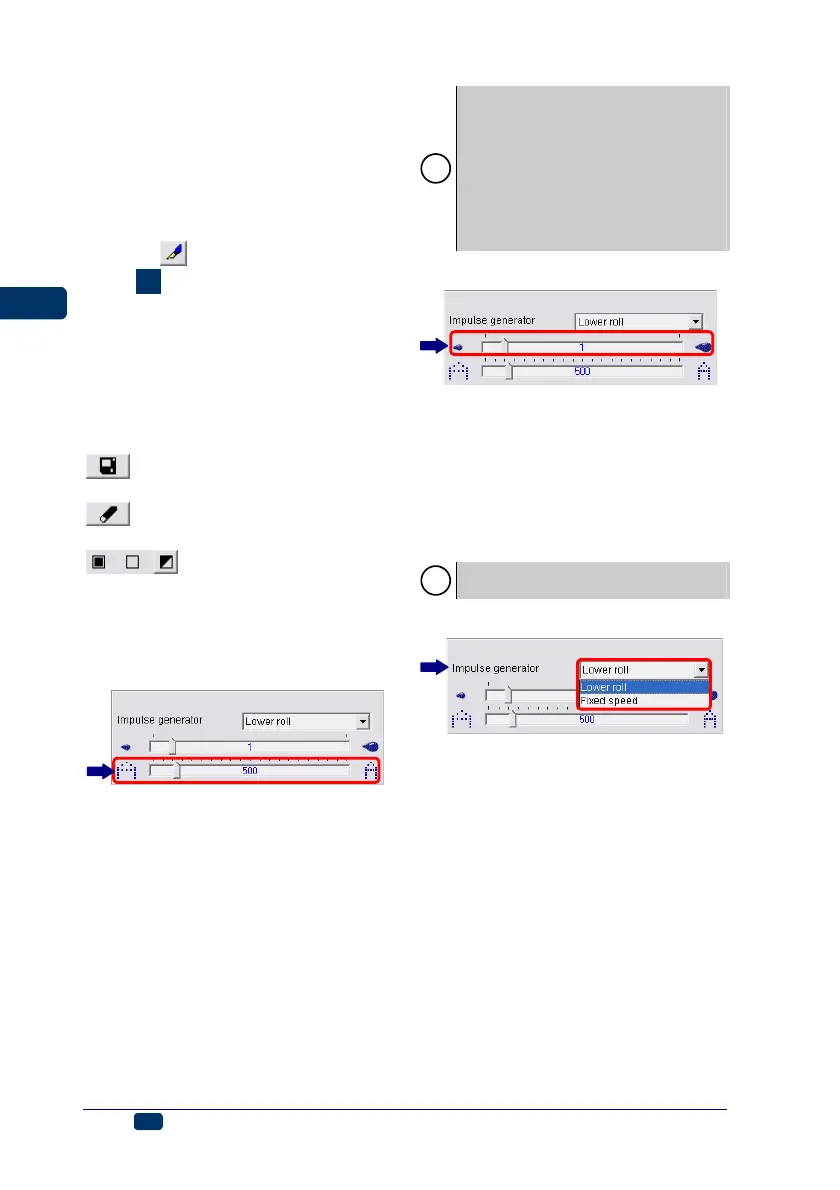
Mode of Timing
Timing determines the moments at
which vertical rows of text are printed.
Timing can be synchronised using:
• Lower guide roll 3 - set the
Impulse generator parameter to
Lower roll. The movement of the
roll makes the axis of the built-in
encoder rotate (rotational speed
converter).
• Internal generator - set the
Impulse generator parameter to
Fixed speed.



 To Next Page