20111028#4.2 EBS Ink-Jet Systeme
EN
5
EN
Editing markers:
Font change marker - brown
Beginning-of-monospaced-text
marker (inserts F1) and end-of-
monospaced-text (inserts F2) - red
Variable field - incremental counter
(inserts Shift+F1) - blue
Variable field - decremental counter
(inserts Shift+F2) - green
Variable field - universal date and
time (inserts Shift+F12) - turquoise
Editing markers:
Wraparound marker - green
A marker white in colour means that
the cursor is just on the left of the
marker (it can be deleted with the
BackSpace
key).
F
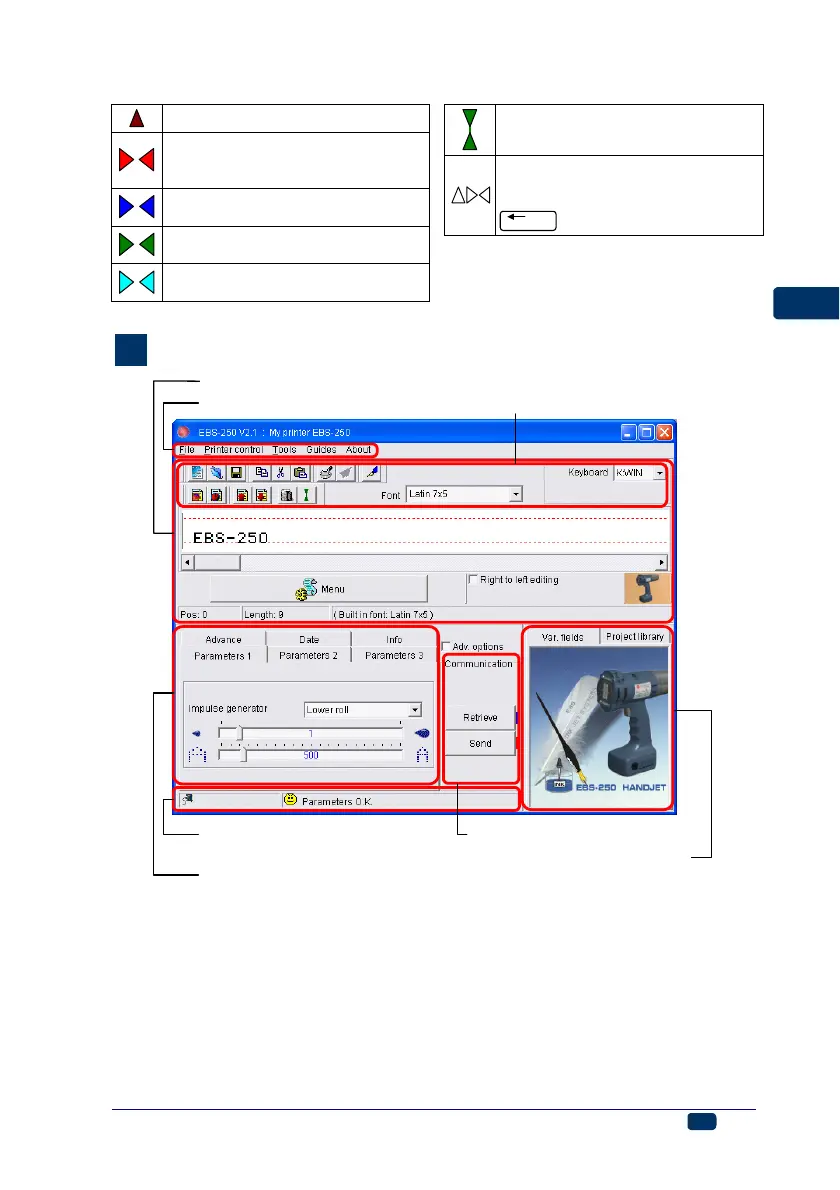
Control Program MENU
Text edit windo
Parameter tab window
Transmission and error status
windo
Printer communication window
Special register and text
library window
tool bar



 To Next Page